SharePoint Conference 2012 Effective Search Deployment and Operation in SharePoint 2013 Slides! #spc12

As you’ve seen lately, I tried bringing you guys the most info from SharePoint Conference 2012 for the ones who couldn’t attend.
I couldn’t attend either, however Patrick Guimonet who is a SharePoint MVP is there and is sharing content on his own Blog but in French. I asked him if I could share the content he has but in English so more people can have access to the information and he thought it’s a good idea.

Here are the slides from the  Effective Search Deployment and Operation in SharePoint 2013  Presentation.  If you want to read the post in French or want to visit  the original post, you can find it here
[ #SPC12 ] SPC095 Effective Search Deployment and Operation in SharePoint 2013 (opens in a new tab)
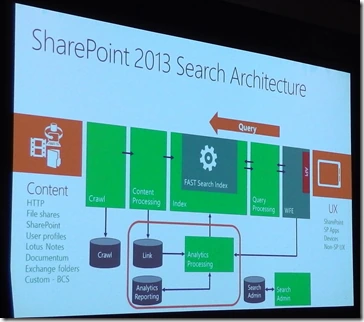
SPC12 slide of SharePoint 2013 Search architecture with crawl, content processing, index, query processing and analytics components

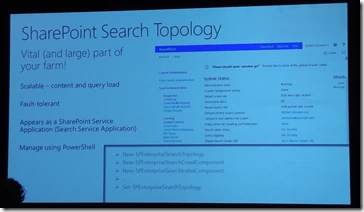
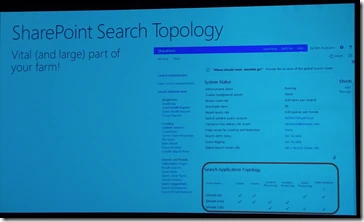
SPC12 slide calling SharePoint Search topology a vital and large part of your farm, with the search topology in Central Administration

SPC12 slide on SharePoint Search topology: scalable, fault tolerant, appears as a Search Service Application, managed with PowerShell

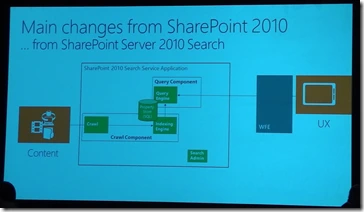
SPC12 slide on changes from SharePoint Server 2010 Search, showing its Search Service Application with crawl and query components

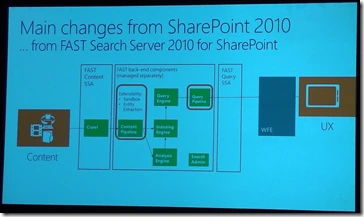
SPC12 slide on changes from FAST Search Server 2010 for SharePoint, showing the FAST content SSA, FAST search components and FAST query SSA

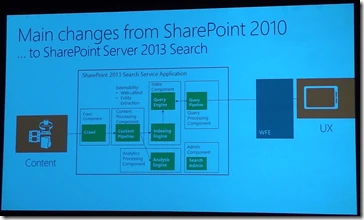
SPC12 slide on changes in SharePoint Server 2013 Search, showing the single 2013 Search Service Application with all components

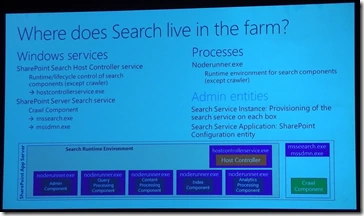
SPC12 slide on where Search lives in the farm: Search Host Controller service, noderunner.exe processes and admin entities

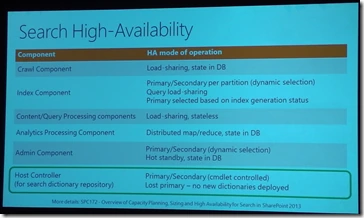
SPC12 Search high availability table listing the HA mode for crawl, index, query, analytics, admin and host controller components

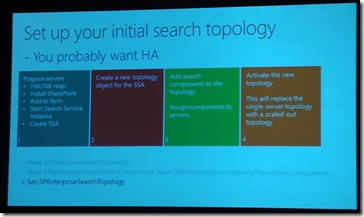
SPC12 slide on setting up your initial search topology in four steps, from preparing servers to activating the new topology

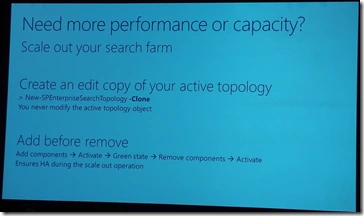
SPC12 slide on scaling out your search farm by cloning the active topology and adding components before removing them

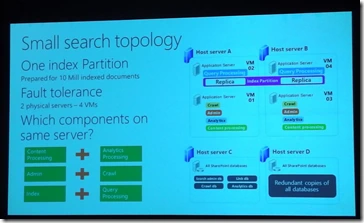
SPC12 small search topology slide with one index partition and four VMs on two physical servers for fault tolerance

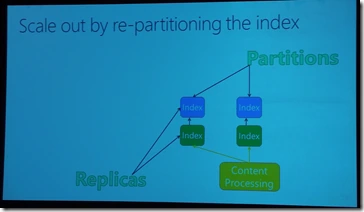
SPC12 slide on scaling out by re-partitioning the search index, showing two partitions with replicas fed by content processing

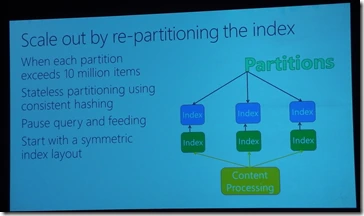
SPC12 slide on re-partitioning the index when a partition exceeds 10 million items, showing three partitions with replicas

SPC12 video slide titled Scale out to a two partition search topology

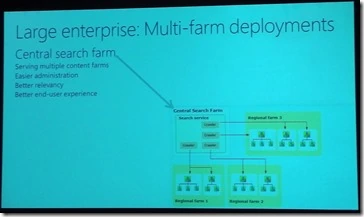
SPC12 slide on large enterprise multi-farm SharePoint deployments with a central search farm serving several regional content farms

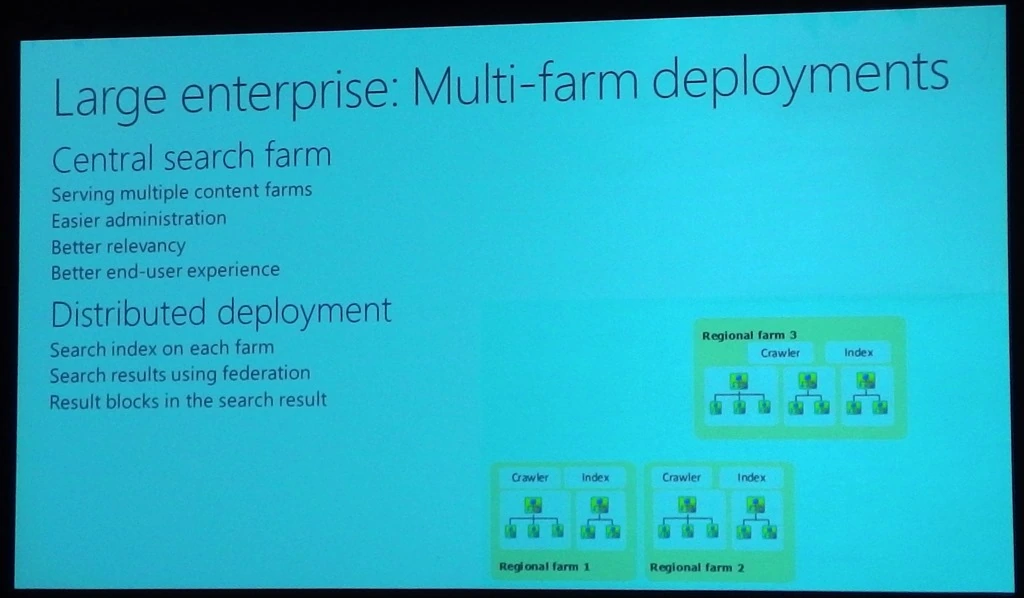
SPC12 slide on large enterprise multi-farm deployments comparing a central search farm with a distributed search deployment

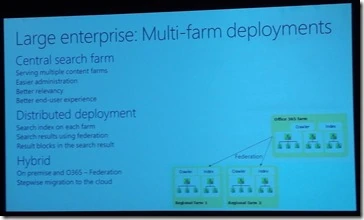
SPC12 slide on multi-farm search deployments adding the hybrid option of on-premises SharePoint federated with Office 365

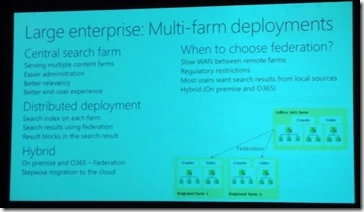
SPC12 slide listing reasons to choose search federation across farms, such as slow WAN links and regulatory restrictions

SPC12 section slide titled Keeping your search topology healthy

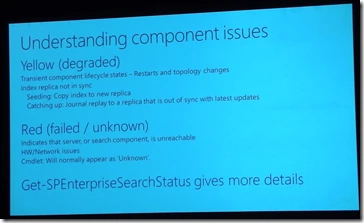
SPC12 slide on SharePoint search component issues: yellow means degraded, red means failed, check with Get-SPEnterpriseSearchStatus

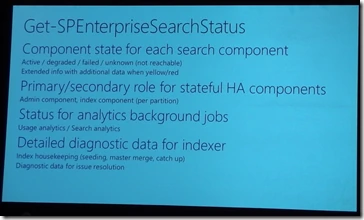
SPC12 slide listing what Get-SPEnterpriseSearchStatus reports: component state, primary role, analytics jobs and indexer diagnostics

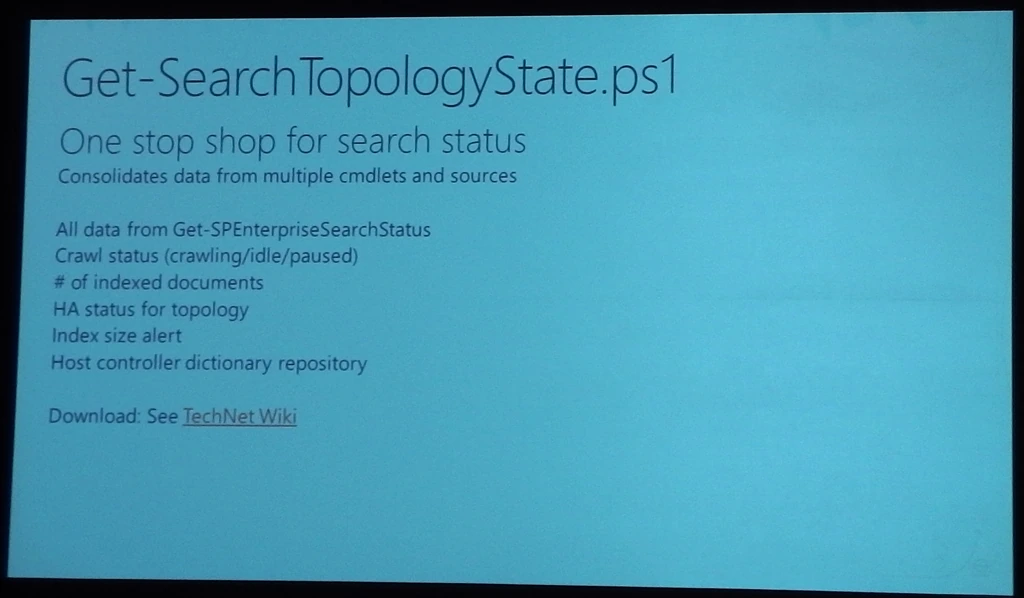
SPC12 slide on the Get-SearchTopologyState.ps1 PowerShell script, a one stop shop for SharePoint 2013 search status

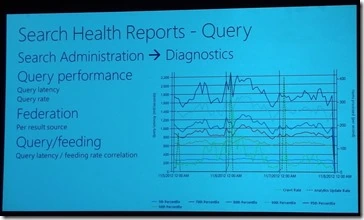
SPC12 slide on Search Health Reports for queries, showing query latency, federation and query feeding charts

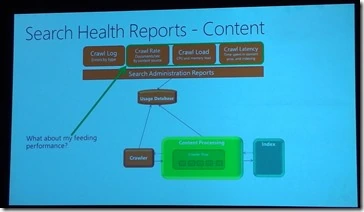
SPC12 slide on Search Health Reports for content, showing crawl log, crawl rate, crawl load and crawl latency reports

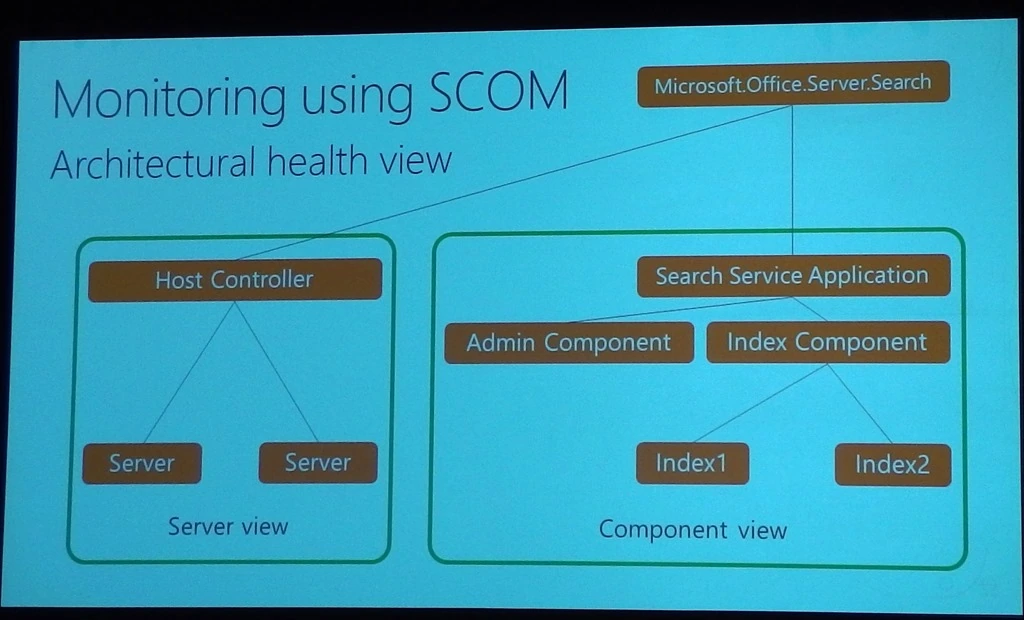
SPC12 slide on monitoring search with SCOM, showing the architectural health view of the host controller and Search Service Application

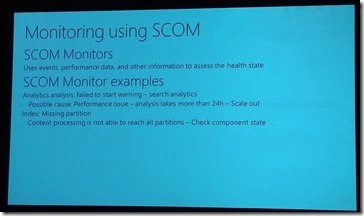
SPC12 slide on SCOM monitors for search, with examples such as failed analytics and a missing index partition

SPC12 section slide titled Key day-to-day search operation

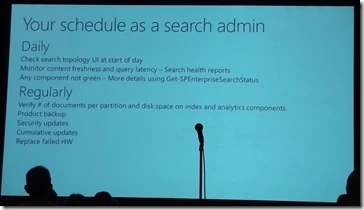
SPC12 slide on your schedule as a SharePoint search admin, listing daily and regular tasks

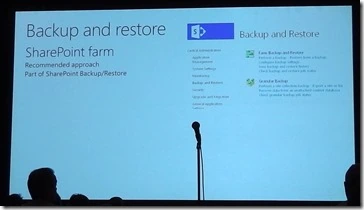
SPC12 slide on SharePoint farm backup and restore using the Central Administration Backup and Restore page

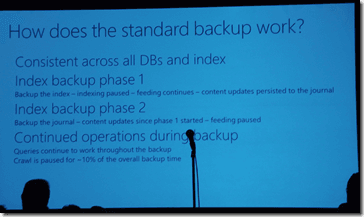
SPC12 slide explaining the standard search backup in two index backup phases, with operations continuing during backup

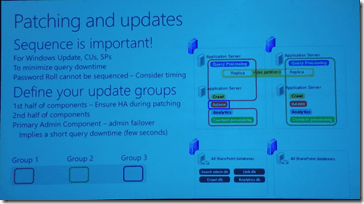
SPC12 slide on patching and updates, explaining sequencing and defining update groups for search components

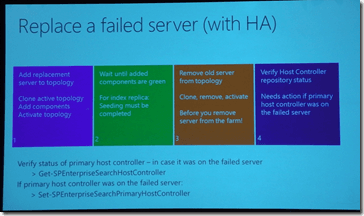
SPC12 slide with the four steps to replace a failed SharePoint search server in a high availability topology

Technet WIki (opens in a new tab)

Technet Documentation (opens in a new tab)
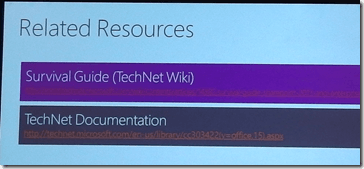
SPC12 related resources slide linking to the SharePoint search Survival Guide on TechNet Wiki and TechNet documentation

Tweet (opens in a new tab)
Give Me +K on Klout (opens in a new tab)