
SharePoint 2010 RTM Language Packs are gone! What do I do now?
 By Vlad Catrinescu Microsoft MVP and MCT · Pluralsight Author
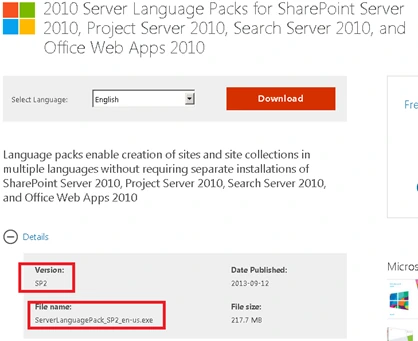
If you currently have a SharePoint 2010 Environment that is not up to Service Pack 2, you are out of luck since Microsoft pulled the plug on the RTM language packs and replaced them with Language Pack + SP2 ones. In this post we’re going to take a look at how to deploy a new language to a pre-sp2 SharePoint 2010 environment.
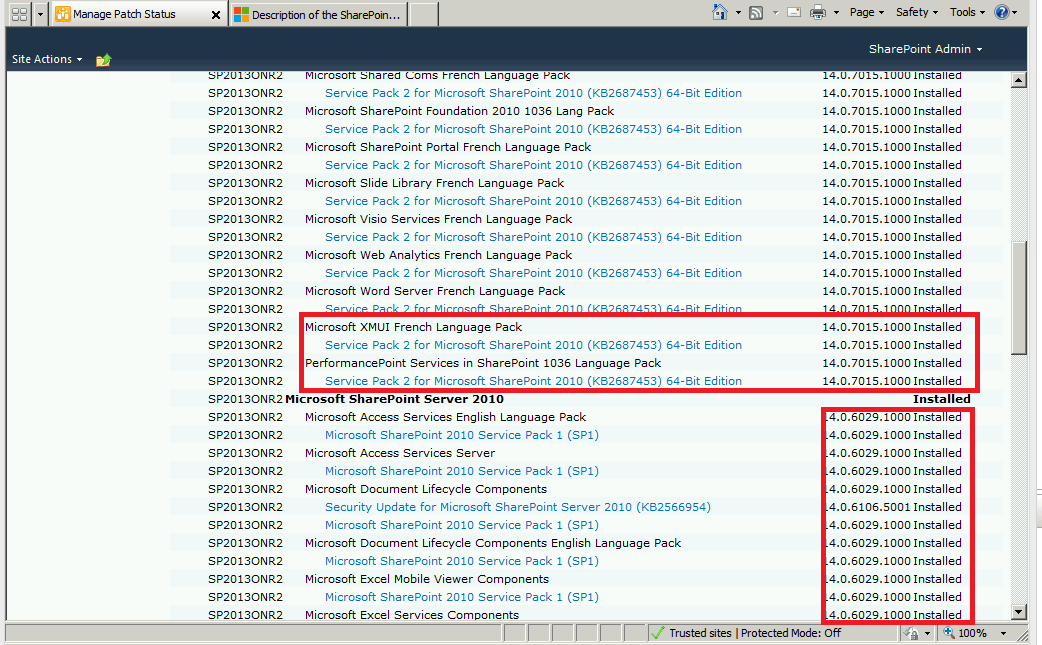
The first thing I tested obviously is install the language pack on a SharePoint 2010 that is only patched up to Service Pack 1…and to my surprise… it actually worked and the Configuration Wizard didn’t give me any “version mismatch” errors. However, when you look at the patch levels you realize that it’s way off. The Language Pack is now at 14.0.7015.1000 (SP2) while the rest of SharePoint 2010 is at 14.0.6029 (SP1). In my opinion, the Configuration Wizard should not have worked, however it did and strangely I was able to create a new Site Collection with a French Template.
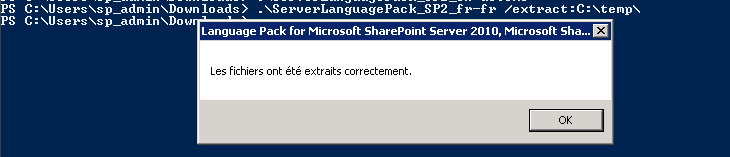
Even if it works, I don’t think you should leave it like that and you should follow the following procedure in order to get a proper Language Pack Installation. Start with the downloaded LanguagePack executable, in our case “ServerLanguagePack_SP2_fr-fr”. Open a Command prompt window as an administrator and navigate to the place where your executable is and run this command
ServerLanguagePack_SP2_fr-fr /extract:C:\temp\After it’s done, you should have a dialog like this in the language of your Language Pack.
Now if we go in C:\Temp, we will see the extracted language pack!
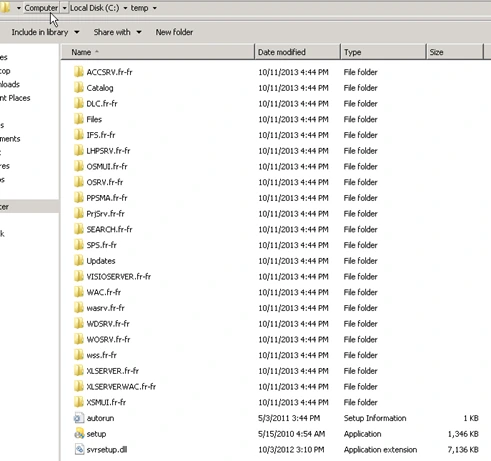
The only difference between this language pack and the RTM language Pack is what’s inside the Updates folder! Notice they are all modified in July 2013… when the SP2 came out! Once you delete those files, you actually have an RTM language pack ready to install.
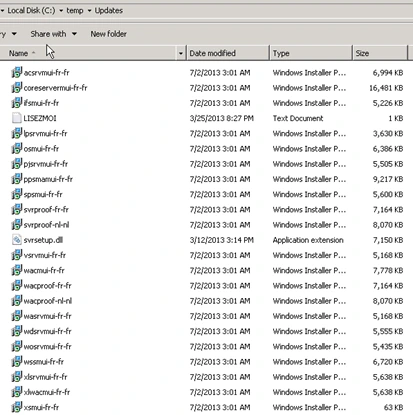
If you want to slipstream Service pack 1 of the Language Pack in the install, you can actually download it and extract it (Same procedure as for the LP) in the Updates Folder. It will look something like this:
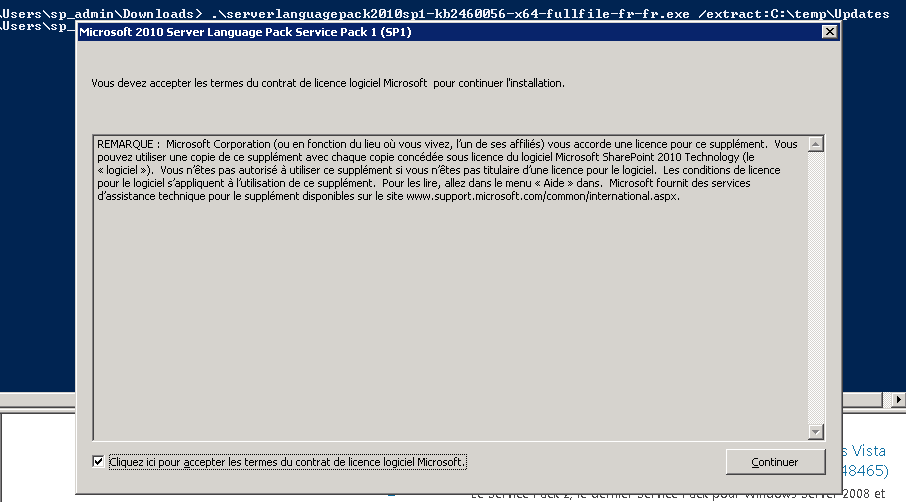
And you will have stuff again in C:\Temp\Updates. (Notice they are all last modified in 2011… you should have no more 2013 there) Now to install the language pack, just run the setup.exe in C:\Temp and then run the Configuration Wizard and the Language Pack will be at SP1 level.


