The Search Display Templates are not present on this Site Collection
 By Vlad Catrinescu Microsoft MVP and MCT · Pluralsight Author
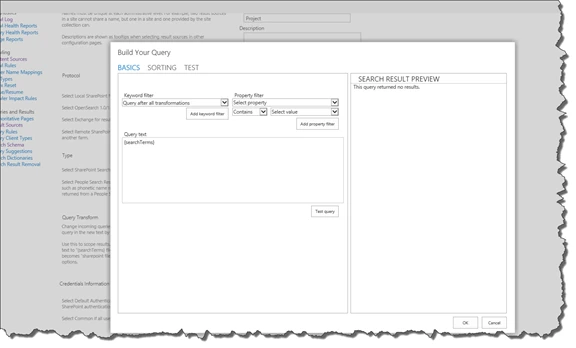
While configuring some Search Result Sources for a client, I had the following error when trying to build my query.
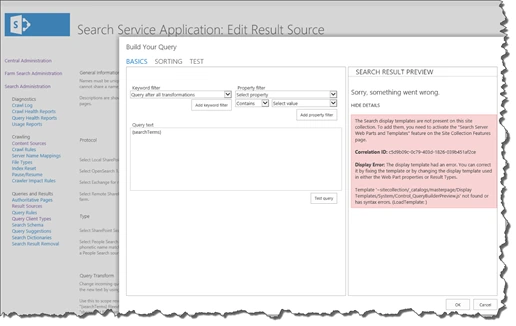
_“The Search display templates are not present on this site collection. To add them, you need to activate the “Search Server Web Parts and Templates” feature on the Site Collection Features page.
_
_Display Error: The display template had an error. You can correct it by fixing the template or by changing the display template used in either the Web Part properties or Result Types.
_
_Template ‘~sitecollection/_Catalogs/masterpage/DisplayTemplates/System/Control_QueryBuilderPreview.js’ not found or has sytax errors. (Load Template: ) ”
_
After looking at what was missing, me and my colleague Joseph Henry Passineau found that in fact there was a feature missing on the Central Administration site collection. The feature is called Search WebParts. So, to fix the problem, simply run the following command in an elevated SharePoint Management Shell:
Enable-SPFeature SearchWebParts -url http://
Afterwards, re open the “build your query” page, and everything should work properly!