


Vlad Catrinescu in a Pluralsight polo, pointing at the headline

Learn Microsoft with Me and Pluralsight.

  • 100+ courses since 2015
  • Trained 1,000,000+ learners
  • Microsoft MVP & MCT (ME) led
  • Microsoft Copilot, M365, Power Platform and more

Microsoft 365 Courses

24 courses

Conditional Formatting in Microsoft Excel

Conditional Formatting in Microsoft Excel

Excel's conditional formatting can transform raw data into meaningful insights. In this course, Conditional Formatting in Microsoft Excel, you'll explore various conditional formatting options, learn to apply them to different data sets, and create visually appealing and easy-to-read spreadsheets that convey information clearly. When you’re finished with this course, you’ll have a better understanding of
  • Microsoft 365
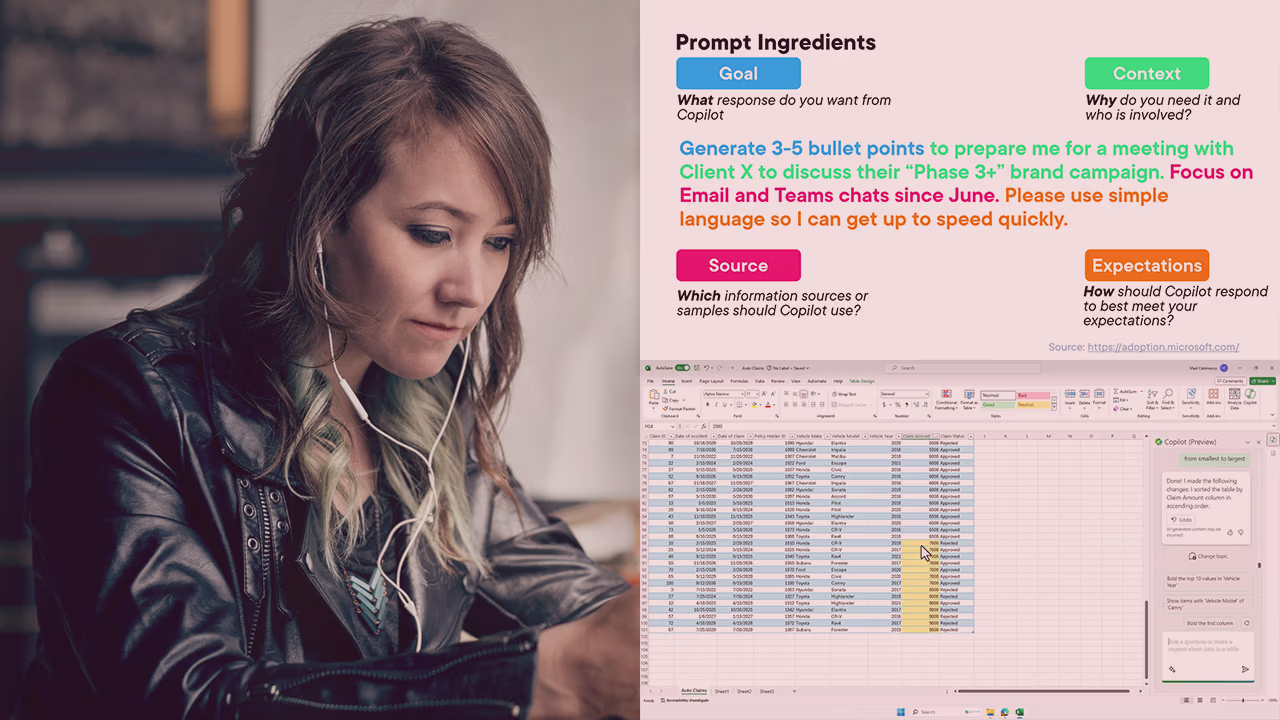
Pluralsight course artwork for Copilot for Microsoft 365 Apps: a woman with earphones beside a Prompt Ingredients slide

Copilot for Microsoft 365 Apps (Microsoft Office)

Copilot for Microsoft 365 is your AI assistant at work. This course will teach you how to make the most out of Copilot in Microsoft 365 Apps such as Excel, Word, Outlook, and more.

  • Microsoft 365
  • Microsoft 365 Copilot
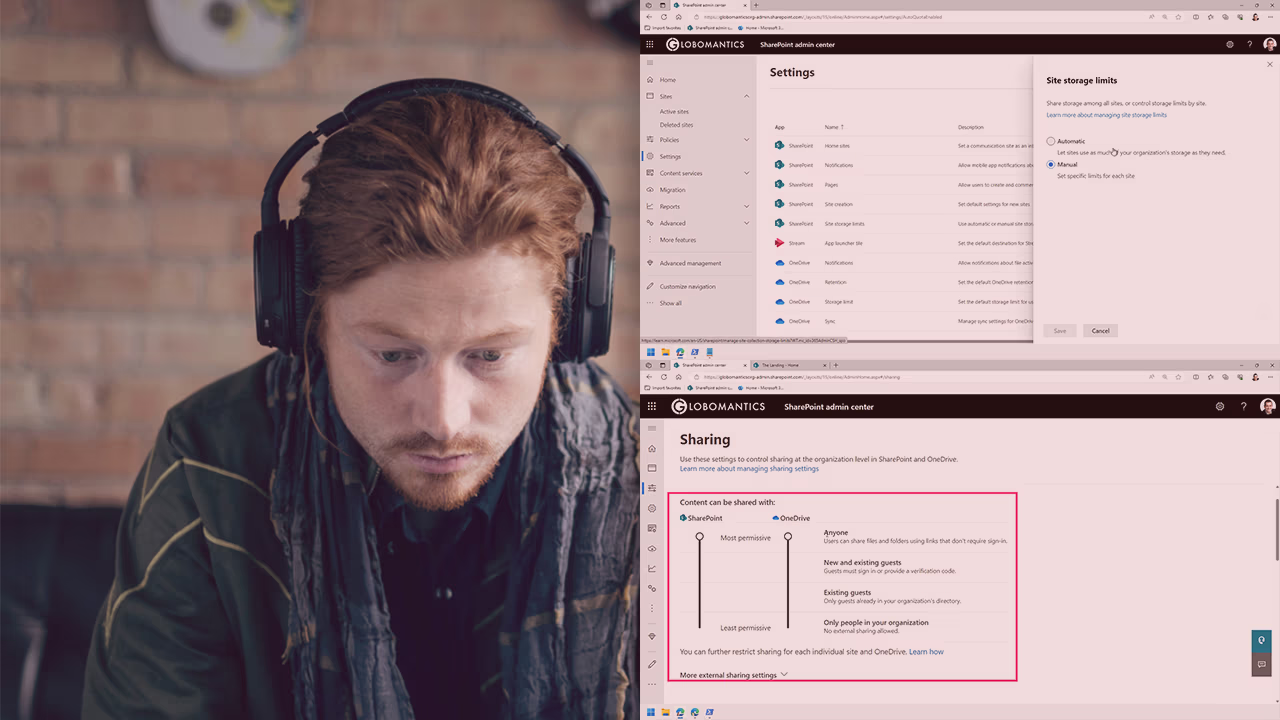
Pluralsight course artwork for SharePoint Online and OneDrive: a man with headphones beside SharePoint admin center pages

Configuring and Managing SharePoint Online and OneDrive for Business

SharePoint and OneDrive are part of the original solutions offered and are a core part of Microsoft 365. Even if they have been around the longest, SharePoint still grows by over 8 million sites and 100 petabytes per month. In this course, Configuring and Managing SharePoint Online and OneDrive for Business, you will gain the

  • Microsoft 365
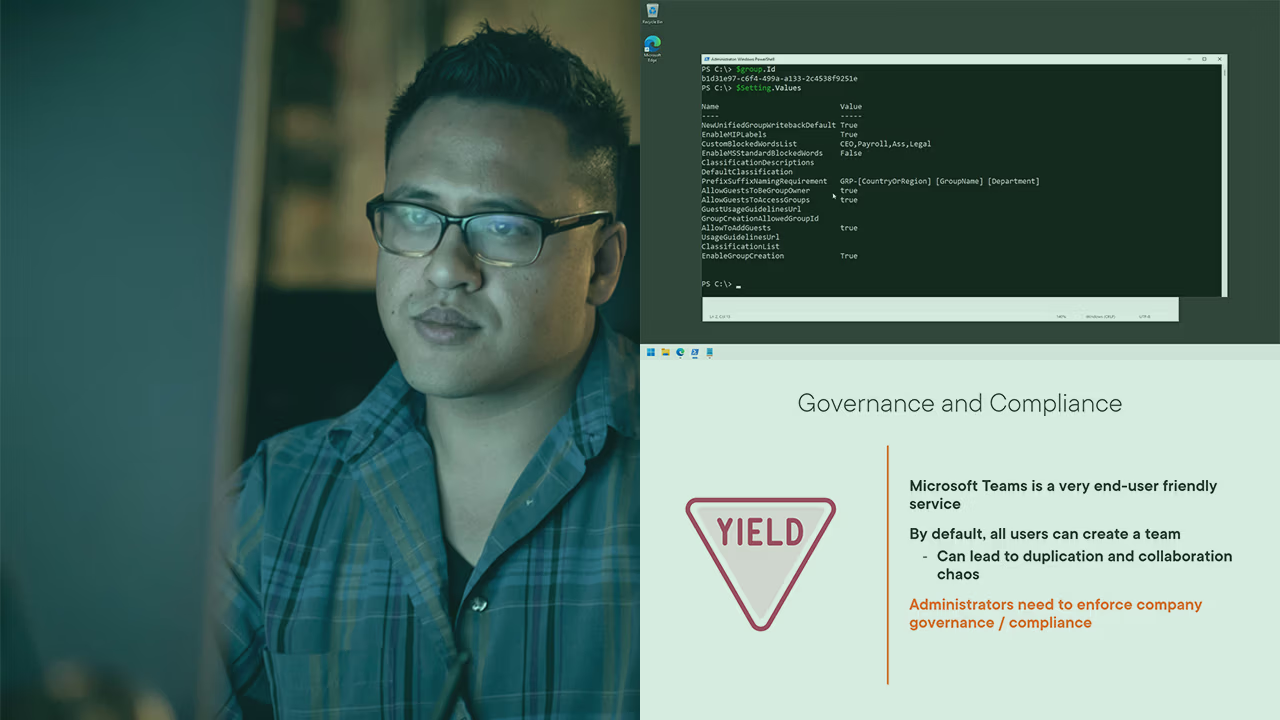
Pluralsight course artwork for Teams and Microsoft 365 Groups governance: a man with glasses beside PowerShell and a slide

Configuring Governance and Compliance for Microsoft Teams and Microsoft 365 Groups

Microsoft Teams is the fastest growing Microsoft 365 service of all time with over 270 million monthly active users. In this course, Configuring Governance and Compliance for Microsoft Teams and Microsoft 365 Groups, you will gain the ability to manage governance and compliance for Microsoft Teams, as well as its underlying membership service, Microsoft 365

  • Microsoft 365
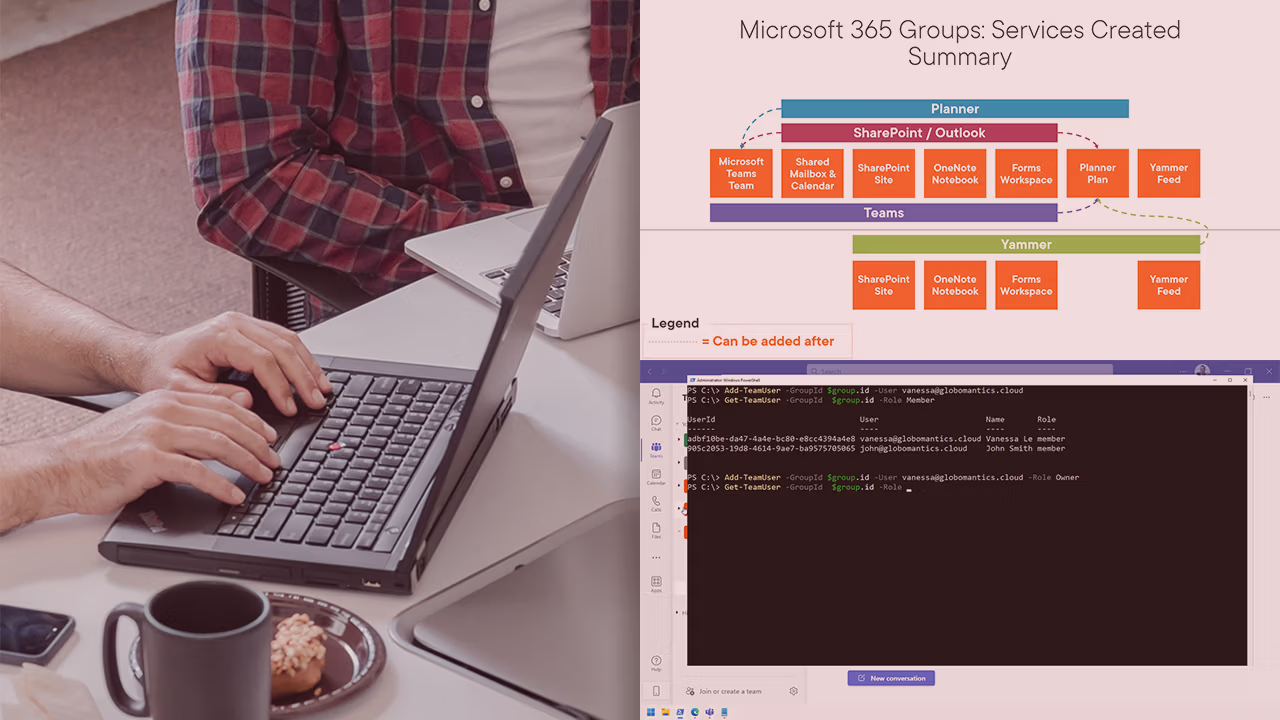
Pluralsight course artwork for Teams and Microsoft 365 Groups Administration: hands typing beside a groups services diagram

Getting Started with Microsoft Teams and Microsoft 365 Groups Administration

Microsoft Teams is the hub of teamwork in Microsoft 365 and it’s used by over 270 million users every single month! Since Microsoft Teams is critical to collaboration in an organization, it also requires skilled administrators to configure it and manage it daily. In this course, Getting Started with Microsoft Teams and Microsoft 365 Groups

  • Microsoft 365
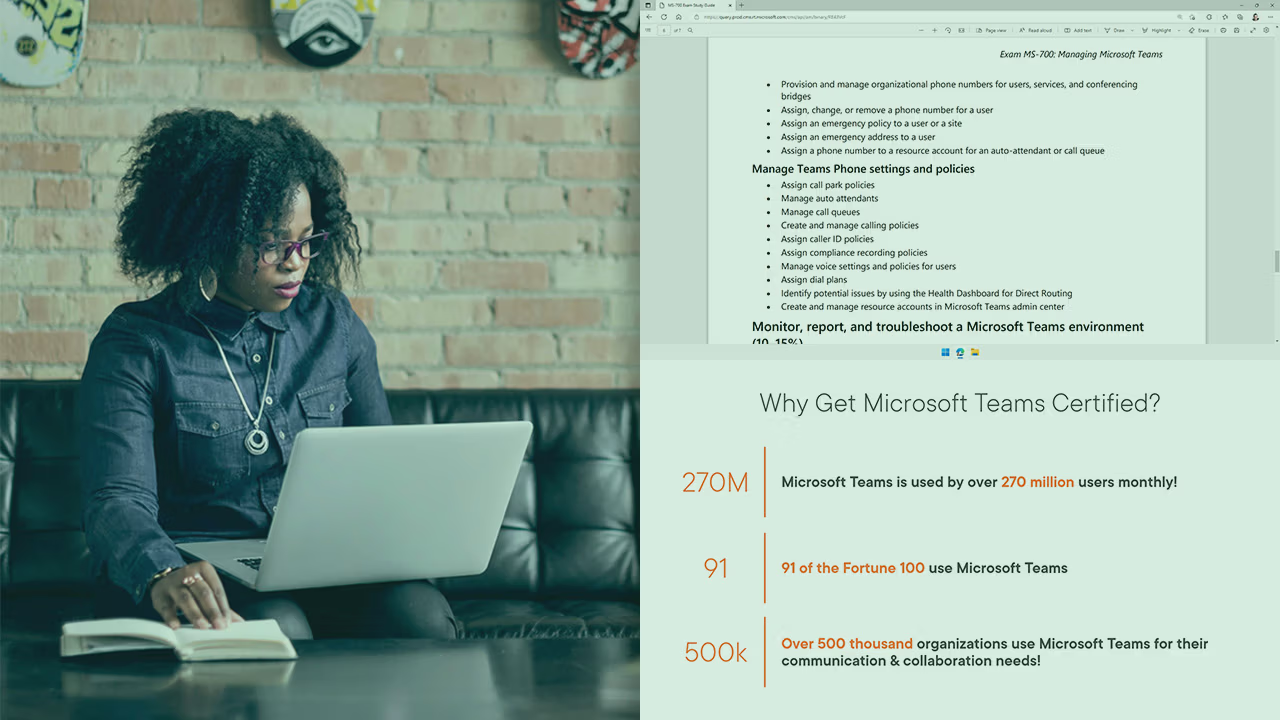
Pluralsight course artwork for the MS-700 exam introduction: a woman at a laptop beside the skills list and Teams statistics

Introduction to the Managing Microsoft Teams (MS-700) Exam

Microsoft Teams is one of the most popular collaboration tools in the world with over 270 million monthly active users – and it’s also the hub of collaboration in Microsoft 365! In this course, Introduction to the Managing Microsoft Teams (MS-700) Exam, you'll be introduced to the MS-700 Microsoft certification exam. First, you'll learn about

  • Microsoft 365
  • Certification
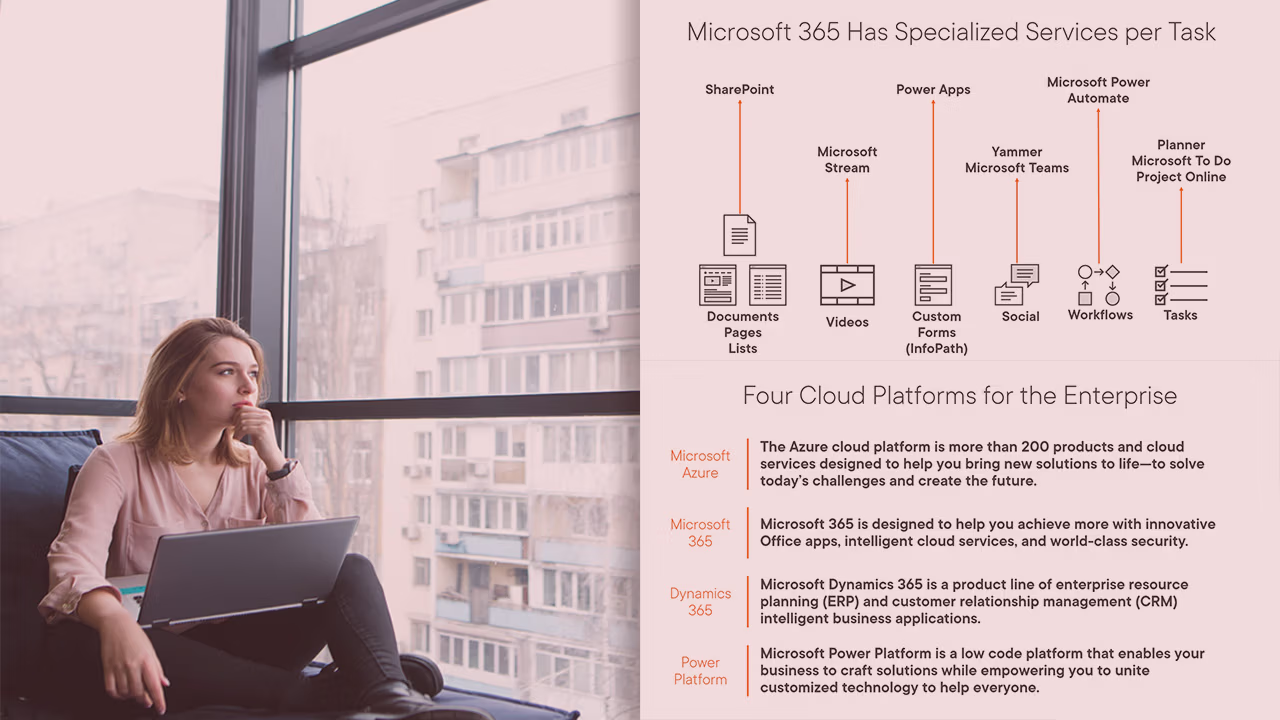
Pluralsight course artwork for Microsoft 365 Services and Concepts: a woman by a window beside a services per task diagram

Microsoft 365 Services and Concepts

Microsoft 365 is one of the top productivity clouds in the world – but with over a dozen services, it can be difficult to understand what tool solves what business problem. In this course, Microsoft 365 Services and Concepts, you’ll learn about all of the different productivity services in Microsoft 365 and cover objectives part

  • Microsoft 365
  • Certification
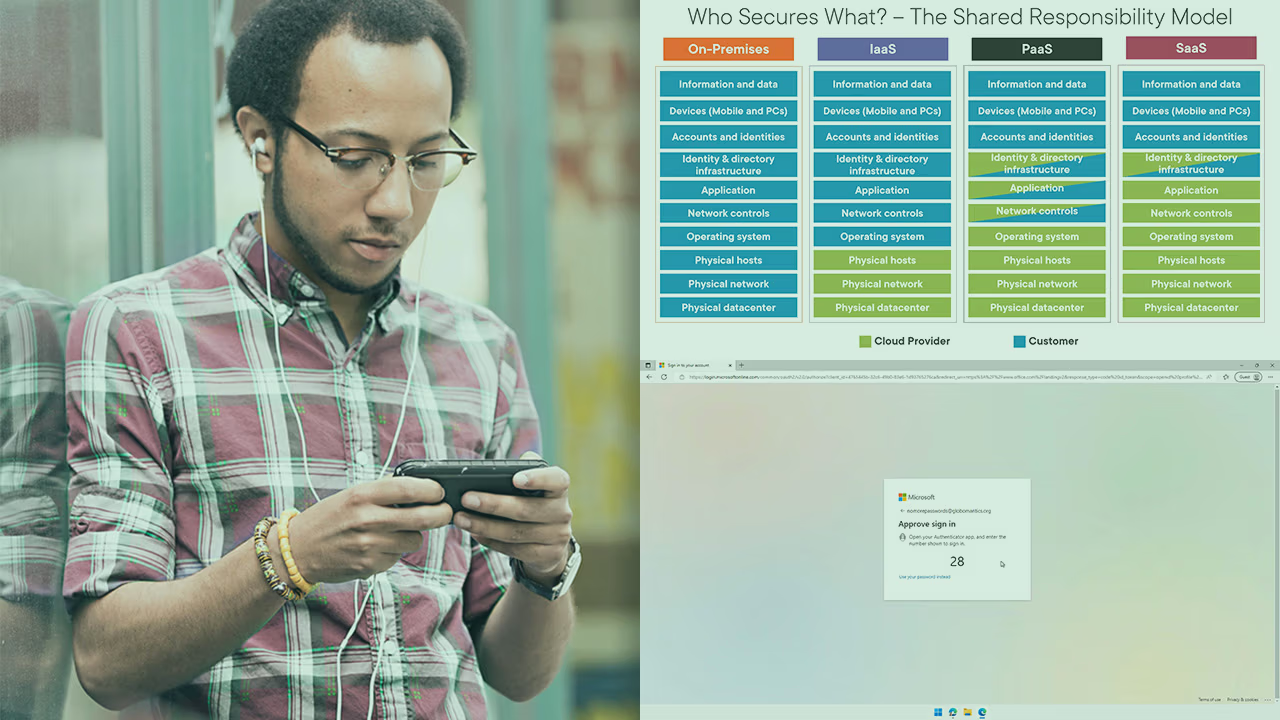
Pluralsight course artwork for Microsoft 365 Security and Identity Concepts: a man beside the shared responsibility chart

Microsoft 365 Security, Compliance, and Identity Concepts

As more users work from home, coffee shops, and many other places outside the corporate network, security has become an even bigger concern for many organizations. In this course, Microsoft 365 Security, Compliance, and Identity Concepts, you’ll learn the different security, compliance, and identity offerings for Microsoft 365. First, you’ll explore the shared responsibility model

  • Microsoft 365
  • Microsoft Security, Compliance, and Identity
  • Certification
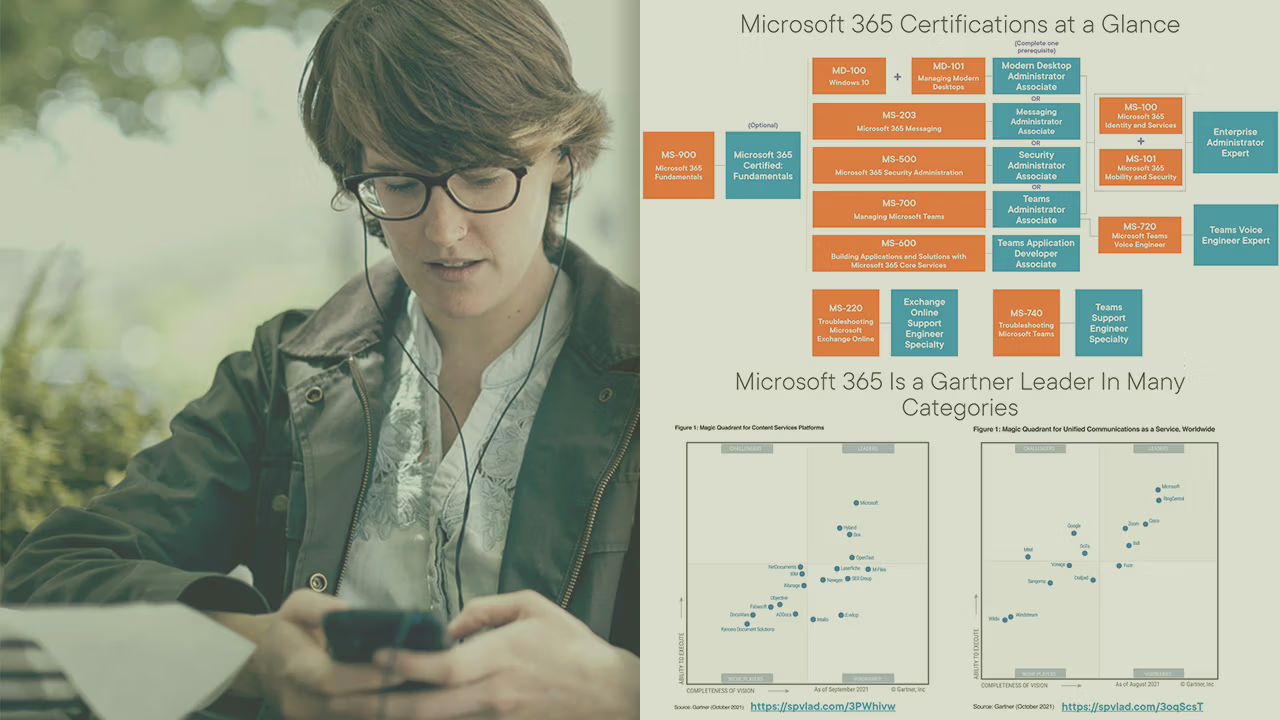
Pluralsight course artwork for the MS-900 exam introduction: a woman on her phone beside a Microsoft 365 certifications chart

Introduction to the Microsoft 365 Fundamentals (MS-900) Exam

Over 90% of the Fortune 500 companies use at least one Microsoft Cloud service. In this day and age, it’s important for any IT or business professional to know what Microsoft offers from a cloud computing perspective. In this course, Introduction to the Microsoft 365 Fundamentals (MS-900) Exam, you'll be introduced to the MS-900 Microsoft

  • Microsoft 365
  • Certification
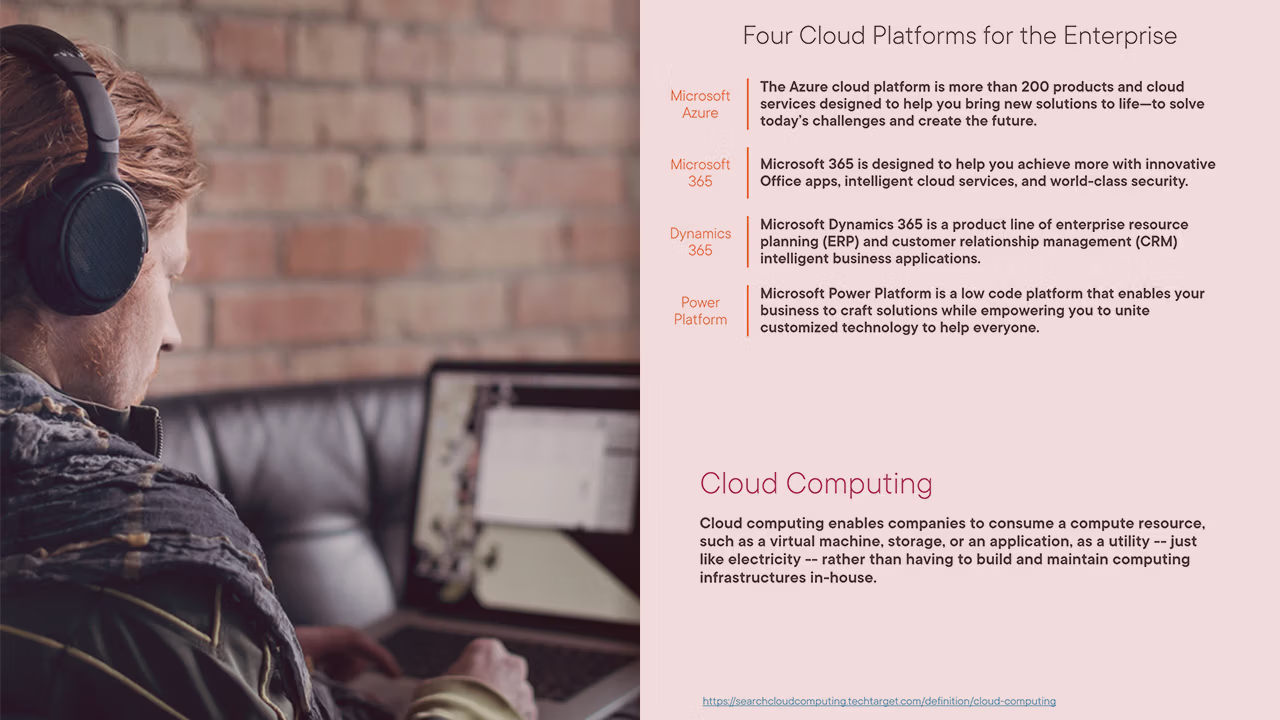
Pluralsight course artwork for Microsoft 365 Cloud Concepts: a man with headphones beside a four cloud platforms slide

Microsoft 365 Cloud Concepts

Over 90% of the Fortune 500 is using at least one Microsoft cloud service – and over 100 million users interact with Microsoft 365 every single day! Whether you’re a business user, an IT professional, or a developer it’s important that you understand the basic concepts of the cloud, as well as where Microsoft 365

  • Microsoft 365
  • Certification
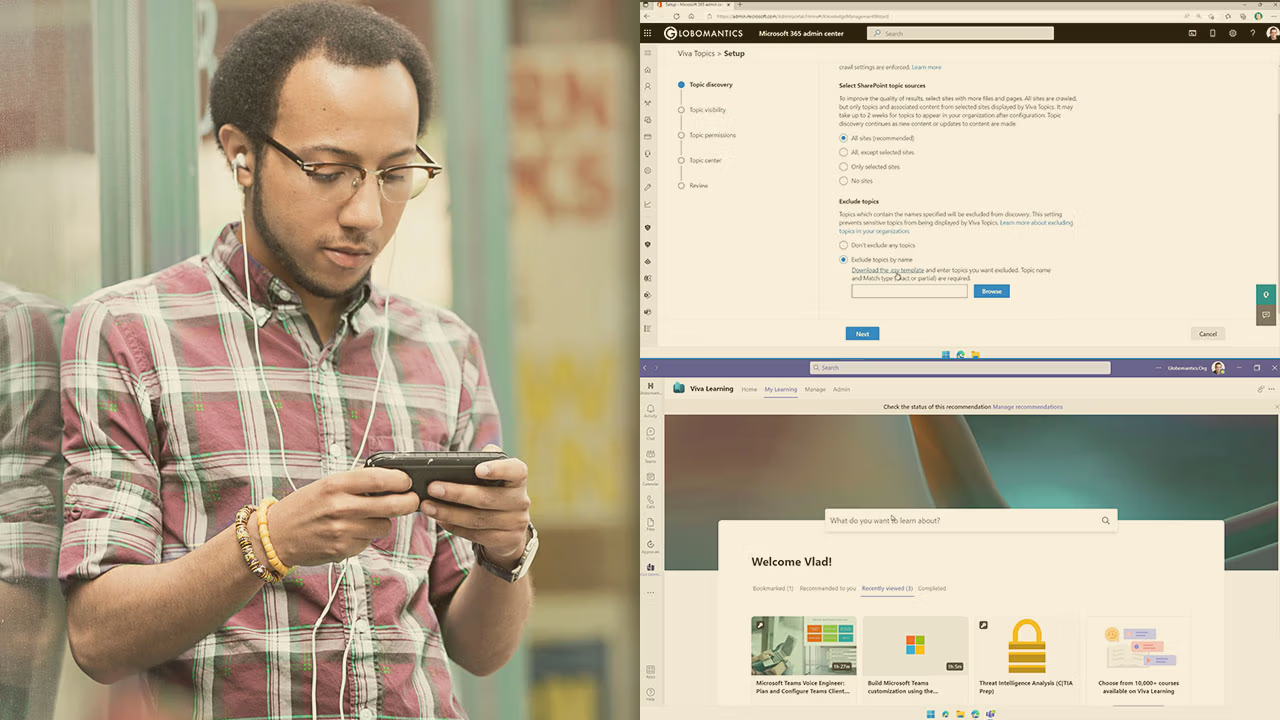
Pluralsight course artwork for Getting Started with Microsoft Viva: a man on his phone beside Viva Topics and Viva Learning

Getting Started with Microsoft Viva

Microsoft Viva is an employee experience platform that runs on top of Microsoft 365 to help accelerate the Digital transformation. In this course, Getting Started with Microsoft Viva, you’ll learn what Microsoft Viva is – and how to setup the different Microsoft Viva Modules. First, you’ll explore how to setup Viva Connections. Next, you’ll discover

  • Microsoft 365
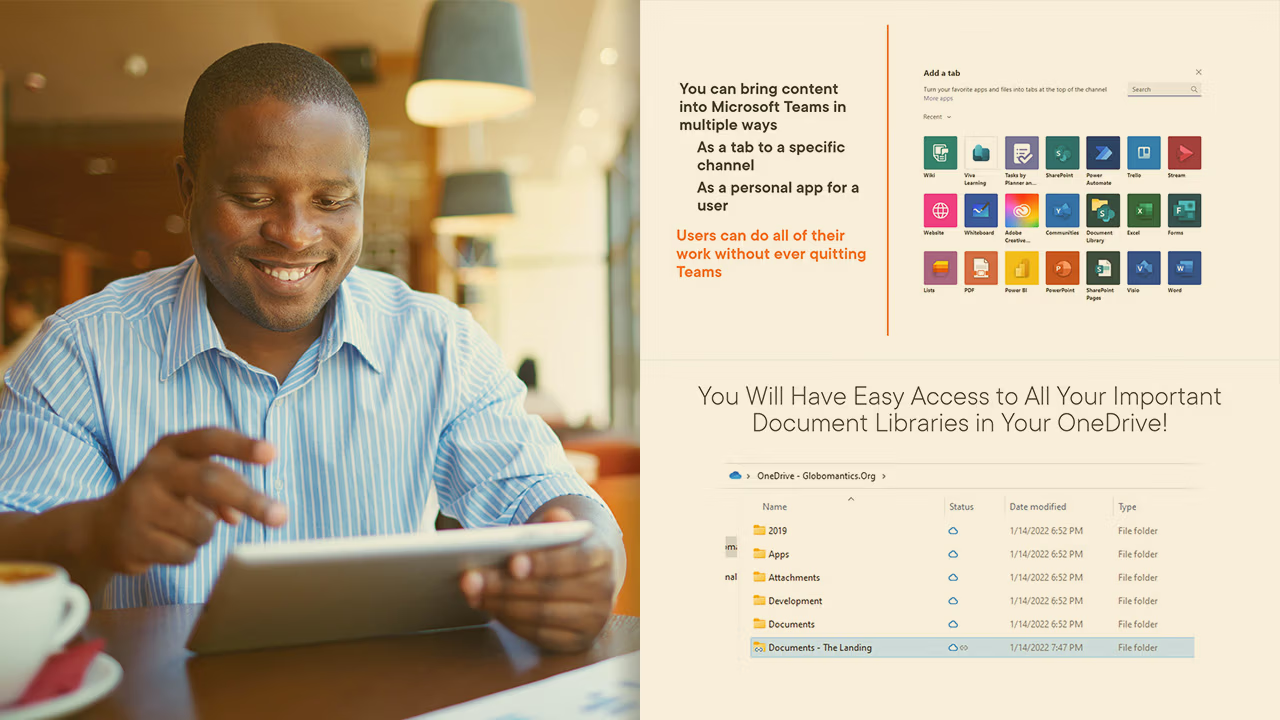
Pluralsight course artwork for Microsoft 365: The Big Picture, a smiling man with a tablet beside Teams and OneDrive slides

Microsoft 365: The Big Picture

Microsoft 365 is one of the most popular productivity cloud solutions in the world, but with more than a dozen services, it can get confusing understand what service is built for what. In this course, Microsoft 365: The Big Picture, you’ll learn about all the different apps in Microsoft 365 and how they can help

  • Microsoft 365
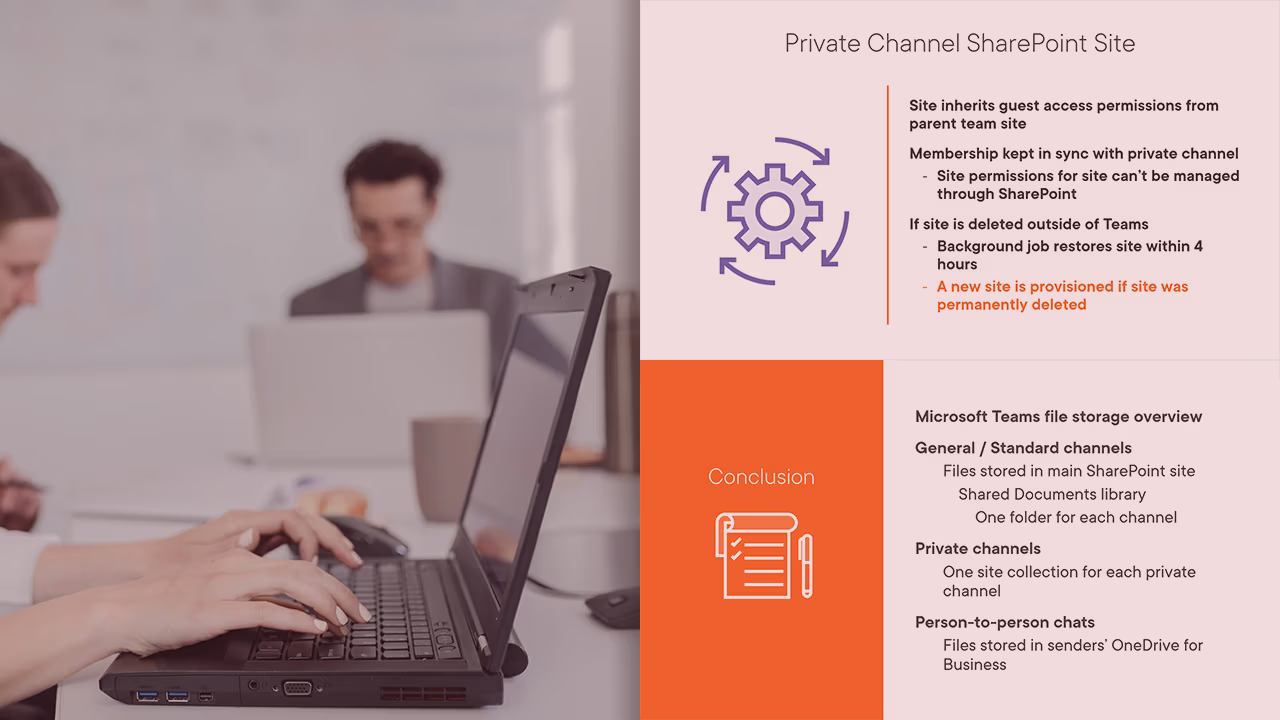
Pluralsight course artwork for Troubleshooting Microsoft Teams: File Issues, a woman typing beside private channel slides

Troubleshooting Microsoft Teams: File Issues

Microsoft Teams is used by over 145 million users daily, and that number just grows every month. In this course, Troubleshooting Microsoft Teams: File Issues, you’ll learn to troubleshoot file issues in Microsoft Teams. First, you’ll explore the architecture of Microsoft teams and where files are stored. Next, you’ll discover how to troubleshoot file sharing

  • Microsoft 365
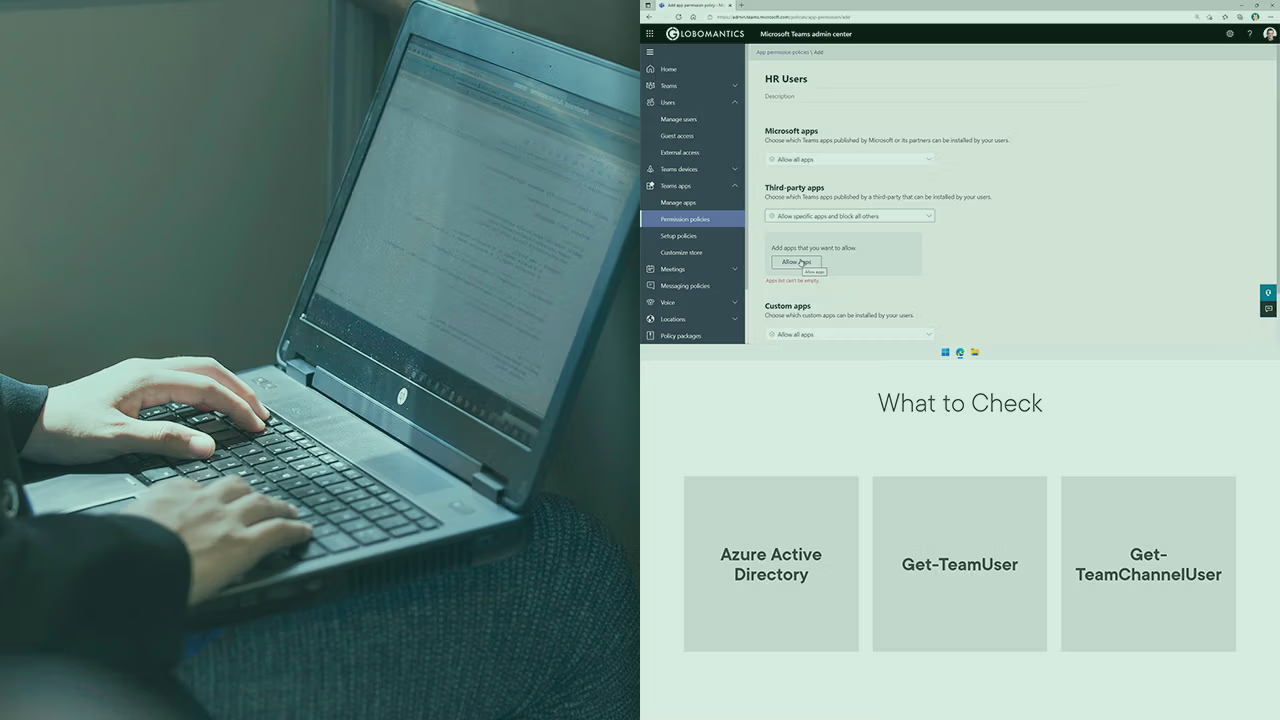
Pluralsight course artwork for Troubleshooting Teams and Channels: hands on a laptop beside the Teams admin center

Troubleshooting Microsoft Teams: Teams and Channels

Microsoft Teams is used by over 145 million users daily, and that number just grows every month . In this course, Troubleshooting Microsoft Teams: Teams and Channels, you’ll learn to troubleshoot Teams and Apps. First, you’ll explore the different ways to troubleshoot Teams Apps. Next, you’ll discover the differences between public and private channels. Finally,

  • Microsoft 365
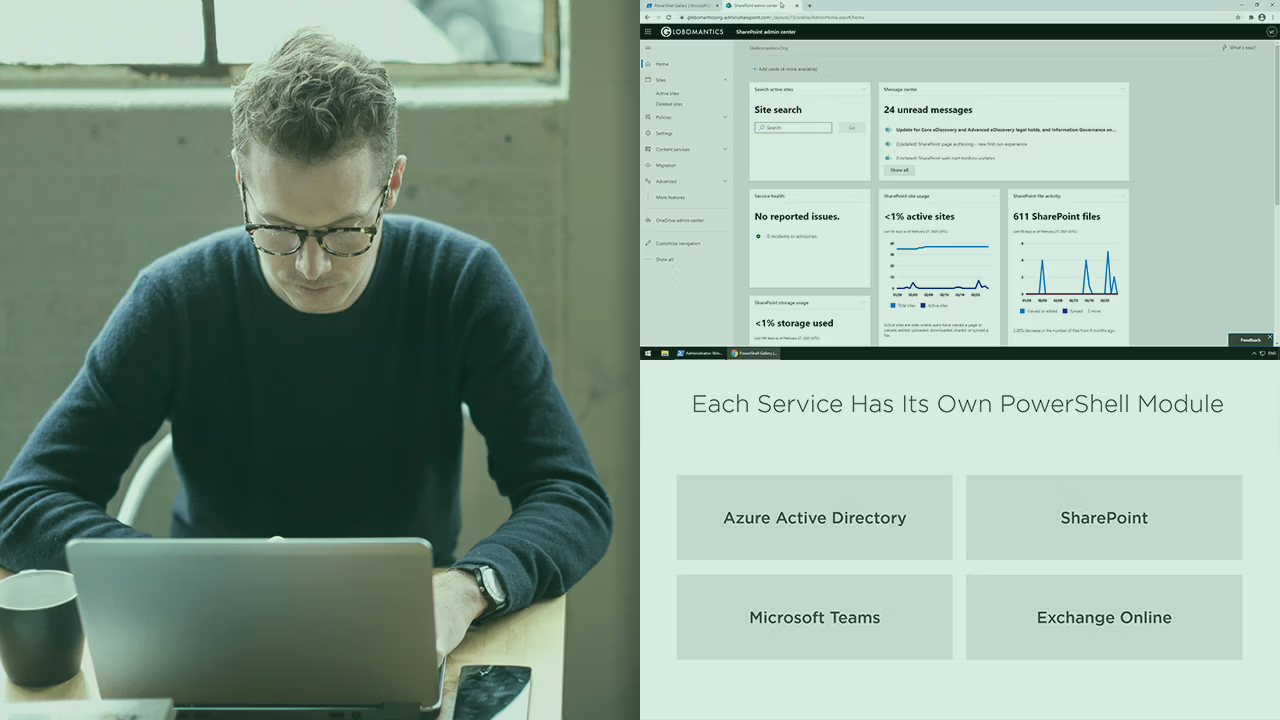
Pluralsight course artwork for PowerShell for Microsoft 365: a man at a laptop beside the SharePoint admin center and modules

PowerShell for Microsoft 365

Microsoft 365 is the world’s most popular productivity cloud and while at first, a lot of administrators think everything is accessible from an easy dashboard, a lot of advanced settings are only available with Microsoft PowerShell. Furthermore, by using PowerShell, Microsoft 365 administrators can automate repetitive tasks and use their time for more productive tasks.

  • Microsoft 365
Pluralsight course artwork for the Mobile Device Management briefing: Vlad presenting on a laptop screen in an office

Mobile Device Management: Executive Briefing

A large majority of today’s users interact with business data via a mobile device. Whether that’s checking e-mail, taking pictures of a receipt, or using an in-house built application, chances are your users have business data stored on their mobile devices. In this course, Mobile Device Management: Executive Briefing, you’ll learn the fundamentals of Mobile

  • Microsoft 365
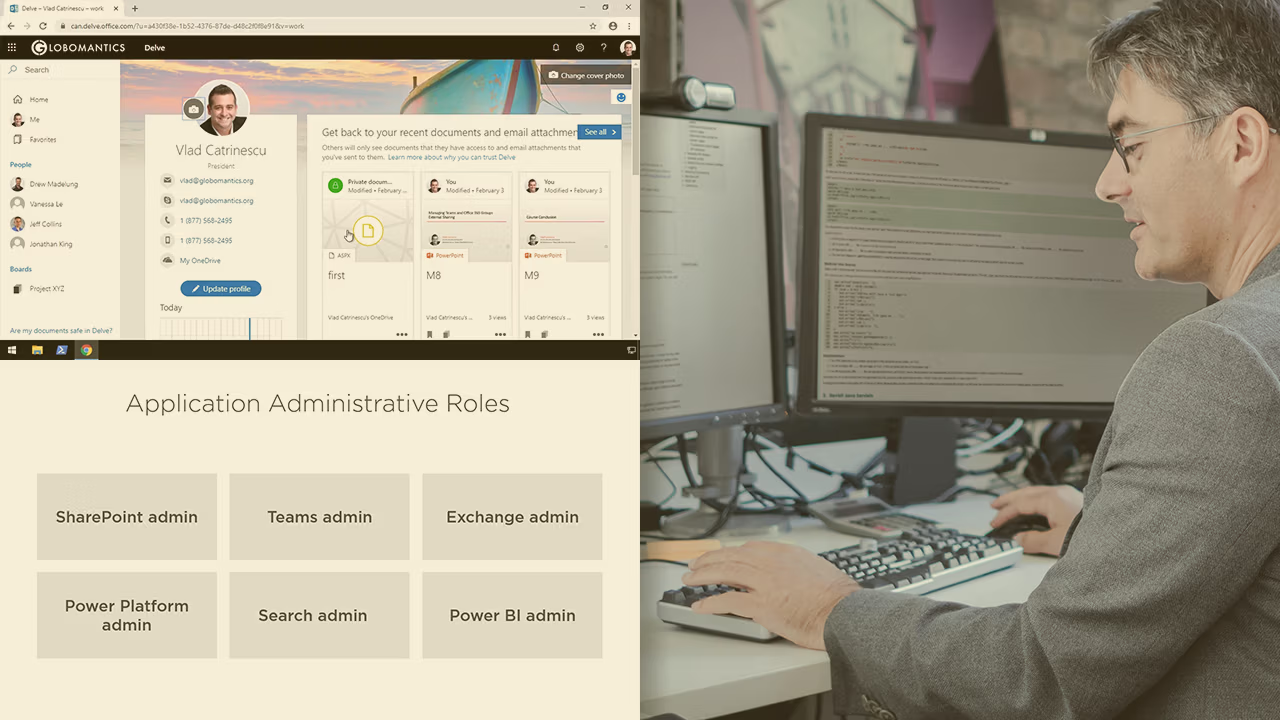
Pluralsight course artwork for Microsoft 365 Workload Integrations: a Delve profile page and admin role tiles

Configuring and Managing Microsoft 365 Workload Integrations

Microsoft 365 is the most popular productivity cloud solution in the world! In this course, Configuring and Managing Microsoft 365 Workload Integrations, you will gain the ability to manage different services part of the Microsoft 365 suite. First, you will learn about Role-based Access Control and licensing. Next, you will discover how to manage services

  • Microsoft 365
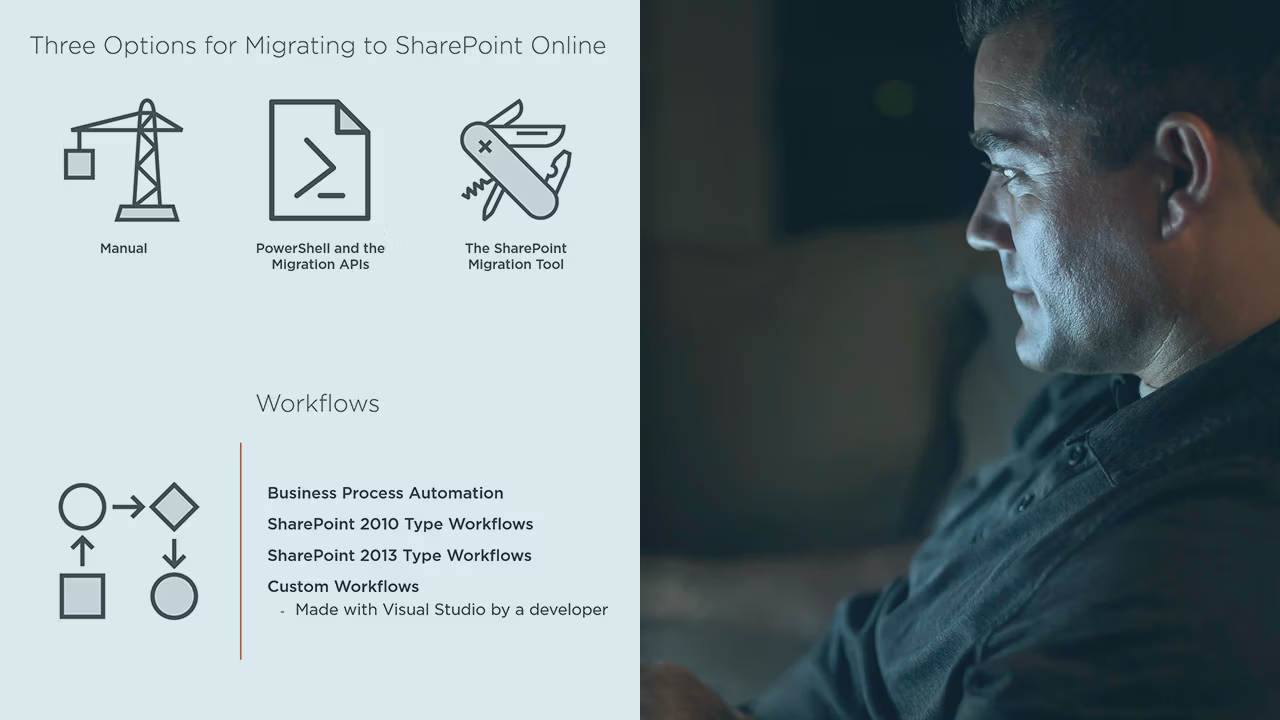
Pluralsight course artwork for Migrating to SharePoint Online: three migration option icons and workflow slides beside a man

Migrating to Office 365 SharePoint Online

As organizations are moving to the cloud, IT professionals will be charged of migrating their file shares / SharePoint on-premises content in SharePoint Online. In this course, Migrating to Office 365 SharePoint Online, you will learn how to use different tools to successfully do your migration to SharePoint Online. First, you will learn how to

  • Microsoft 365
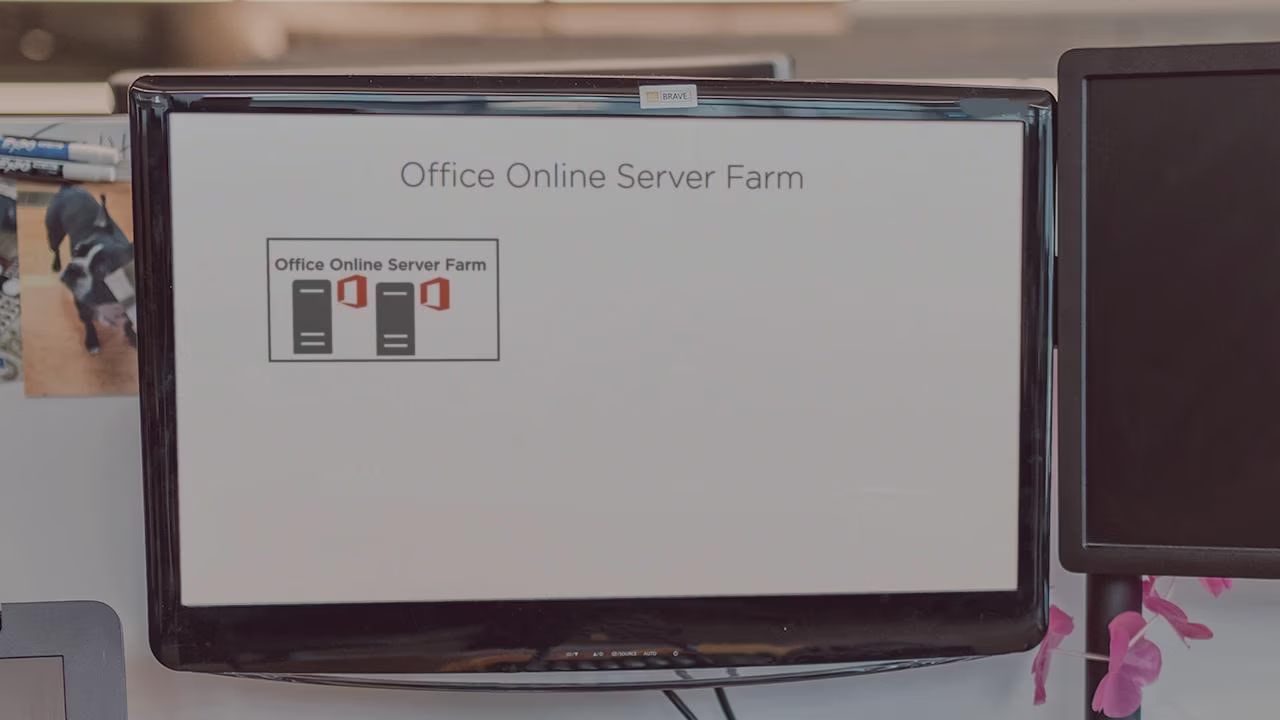
Pluralsight course artwork for Installing and Configuring Office Online Server: a monitor showing a server farm diagram

Installing and Configuring Office Online Server

Office Online Server, previously known as Office Web Apps, is an Office server product that delivers browser-based versions of Word, PowerPoint, Excel, and OneNote. By connecting Office Online Server to SharePoint, Exchange, and Skype for Business, you will add more features to your existing deployment and deliver a better collaboration experience to your users. Furthermore,

  • Microsoft 365
Pluralsight course artwork for SharePoint 2016 Logical Architecture: a desk seen from above with a keyboard and gadgets

Planning for SharePoint Server 2016: Logical Architecture and Integrations

Planning is the key to success in most of your professional activities, and it applies to SharePoint as well. Before starting to install and configure your SharePoint farm, you need to plan what other services you will integrate it with, as well as how you will secure and backup your SharePoint farm. In this course,

  • Microsoft 365
Pluralsight course artwork for SharePoint 2016 Physical Topology and Services: planning checklists beside a pensive man

Planning for SharePoint Server 2016: Physical Topology and Services

SharePoint Server 2016 is the latest release of SharePoint Server and includes awesome features for business users, but quite a few changes for SharePoint IT Professionals. New features such as MinRole, combined with new requirements such as mandatory Office Online Server configuration for Business Intelligence, will change the way that SharePoint Administrators will design their

  • Microsoft 365
Pluralsight course artwork for Creating a Workflow in SharePoint Designer: hands on a laptop beside an add workflow page

SharePoint at Work: Creating a Workflow in SharePoint Designer

One of the big advantages of implementing SharePoint in the enterprise is process automation. By using Out of the box workflows as well as easy to create custom SharePoint Designer Workflows, Power Users are able to automate processes, avoid repetitive tasks, and boost team productivity. In this course, students will learn what workflows are, the

  • Microsoft 365

▸ Browse all 57 courses