
Power Platform Credentials Overview
 By Vlad Catrinescu Microsoft MVP and MCT · Pluralsight Author
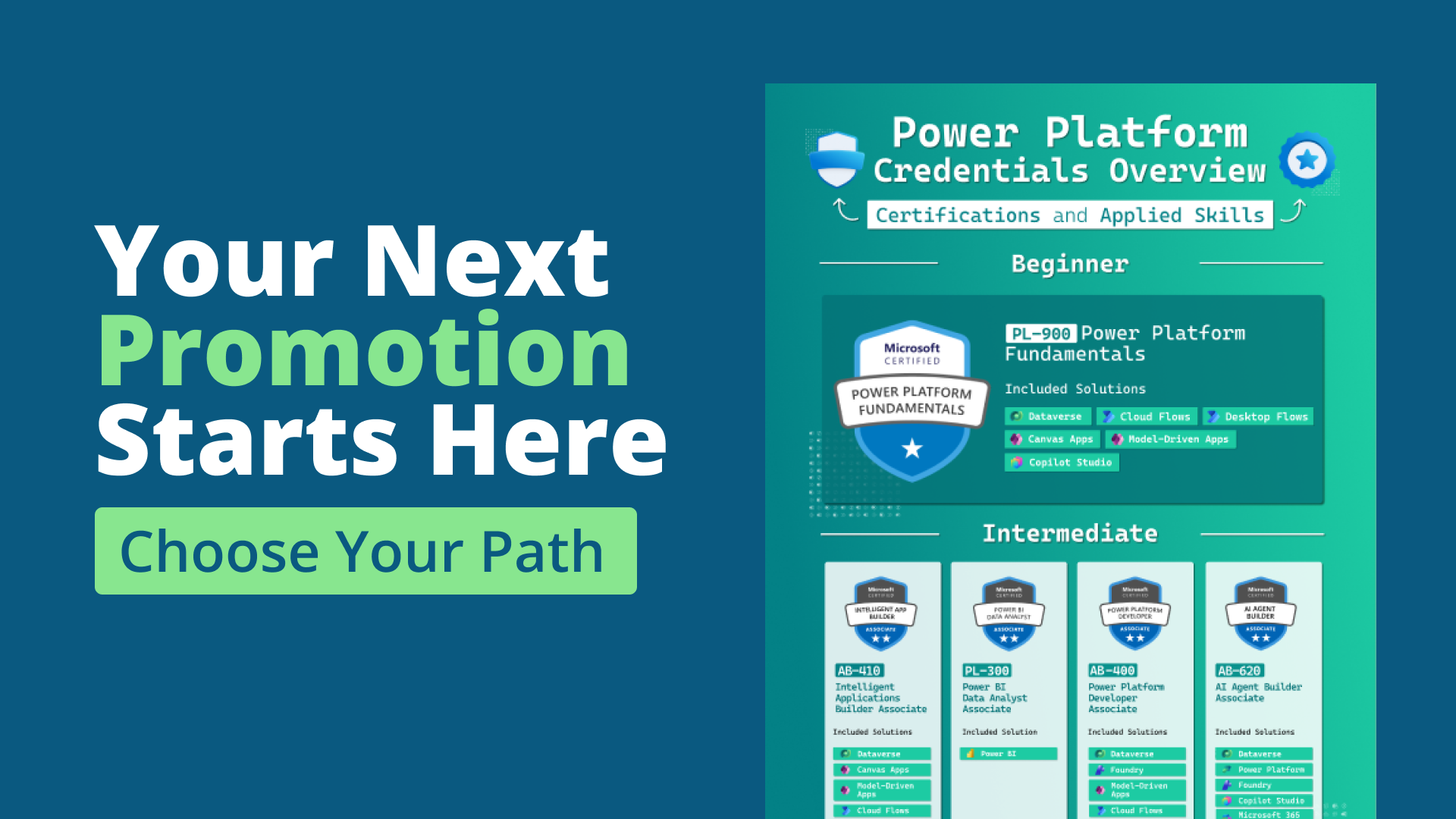
The Power Platform credentials have grown into ten separate certifications and Applied Skills across three levels. I fit all of them onto a single page, sorted by difficulty and labeled with the solutions each one covers, so you can see the entire Power Platform certification landscape in one look.
Always want the latest version?
Fill the form.Fill the form below.
What you will learn from it
This free infographic maps all 10 Power Platform credentials on a single page, sorted by level: Beginner, Intermediate, and Advanced. Under each one it lists the Included Solutions it covers, from Dataverse and Canvas Apps to Power BI, Cloud Flows, and Copilot Studio, so you can see the full Power Platform certification path at a glance.
Why you should download it
- See the entire Power Platform path, from PL-900 to Expert, on one high-resolution page.
- Know which solutions each credential covers before you commit, so there are no surprises about scope.
- Tell the certifications apart from the Applied Skills, and follow a clear Beginner to Advanced progression.
- Free and ungated: download it, print it, or share it with your team.
Who this isn’t for
This maps the credentials, it doesn’t teach the material or drill you for exams. It’s for anyone planning a Microsoft Power Platform certification path, not a shortcut to passing a single exam.