Free study notes for every skill the exam measures, plus the books, courses and practice tests I recommend.
By Vlad CatrinescuMicrosoft MVP and MCT · Pluralsight Author
The AZ-900 Study Guide helps you prepare for the Microsoft Azure Fundamentals exam, the usual first step for anyone moving into Azure and the one certification that assumes no cloud experience at all.
Everything here lines up with the skills Microsoft measures: free Microsoft Learn paths and my own study notes for self-study, plus the books, courses and practice tests I recommend when you want more. No exam dumps, ever.
Exam length
45 min
Passing score
700 / 1000
Skills measured
3 domains, 57 skills
Guide reviewed
September 2026
Resources by the way you like to study
11 hand-picked, free and paid
Books
3 resources
Many learners prefer studying from books, which is why Microsoft continues to publish the Exam Ref series. Just keep in mind that books can lag behind exam updates, so always check the publication date and whether the skills measured changed since.
AZ-900 is well served here: there is an official Exam Ref, and two independent study guides that take slower, more explanatory routes through the same material.
Recommended
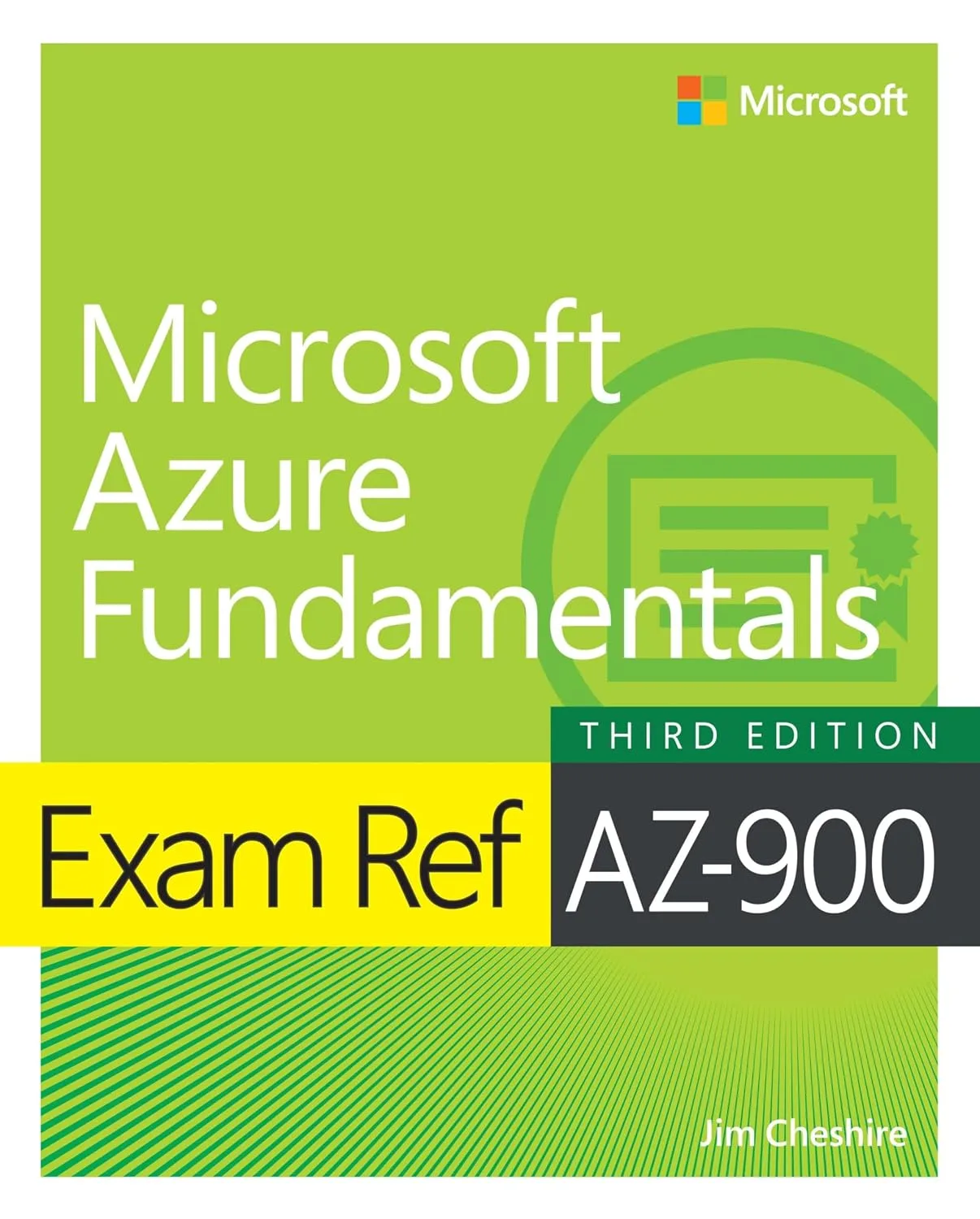
Exam Ref AZ-900 Microsoft Azure Fundamentals
Microsoft's own study guide for the exam, organized by the skills measured so you can work through them in order. The closest thing to an official companion, and the one to pick if you want to study exactly what the exam covers and nothing else.
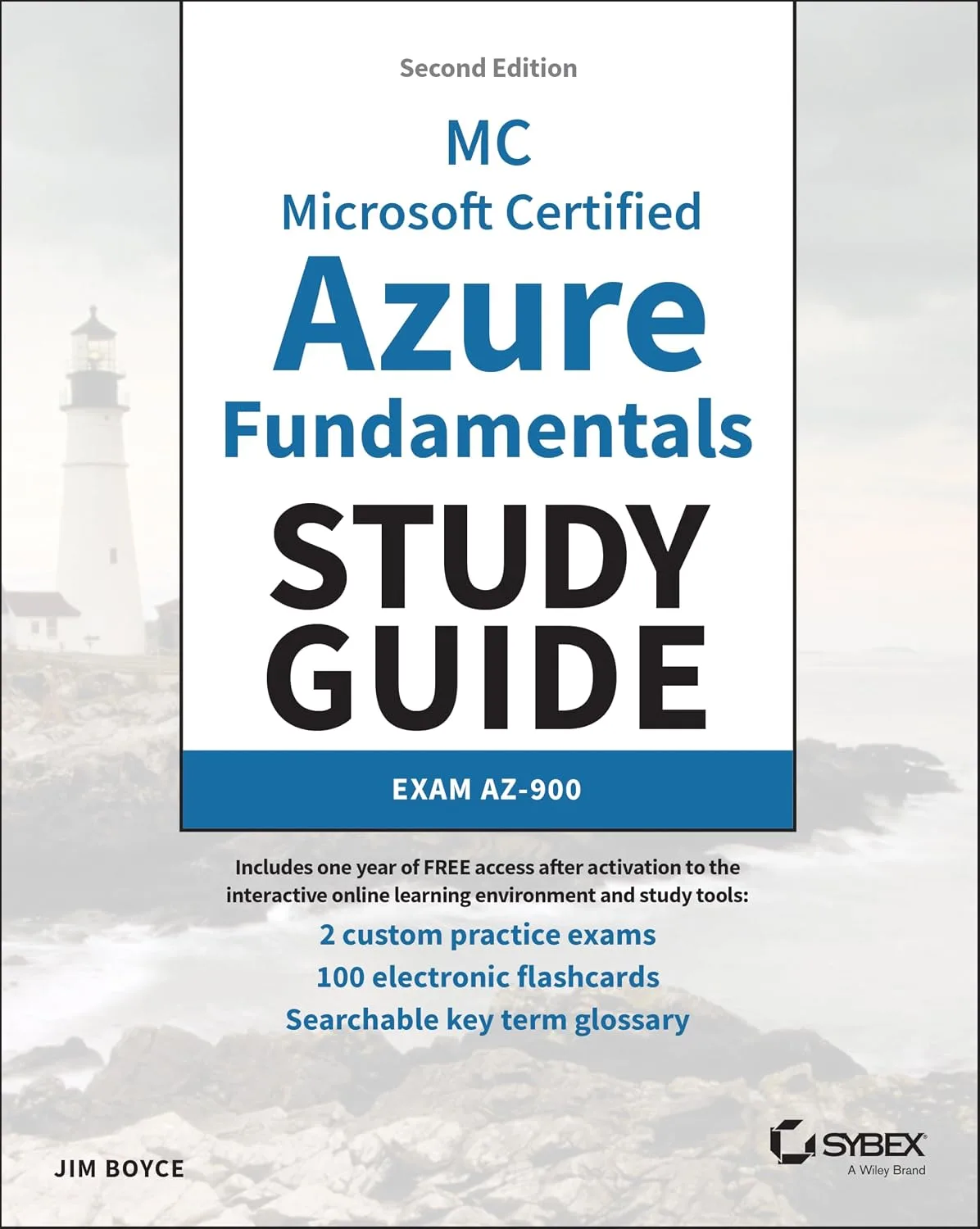
Microsoft Certified Azure Fundamentals Study Guide: Exam AZ-900
The Sybex guide, which spends longer explaining the concepts than the Exam Ref does and includes practice questions throughout. A good fit if cloud computing itself is new to you rather than just Azure.
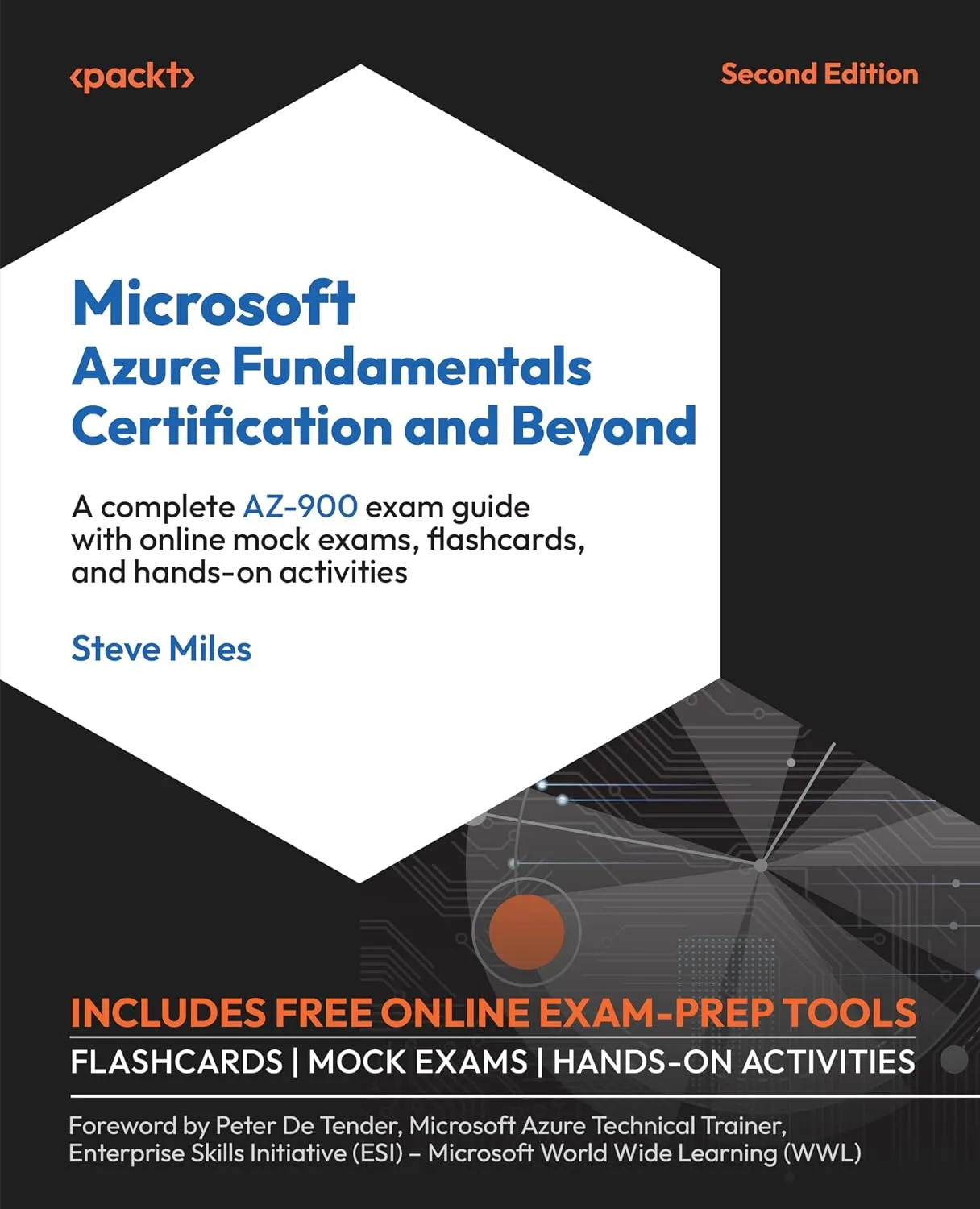
Microsoft Azure Fundamentals Certification and Beyond
The Packt guide, which goes past the exam into what you would actually do with Azure afterwards. Worth it if you want the certification to lead somewhere rather than being the whole goal.
On-demand training lets you learn at your own pace, on your own schedule: expert-led video courses from Pluralsight or Udemy, or hands-on modules from Microsoft Learn, whenever you need them.
Not all platforms are the same. Pluralsight relies on vetted authors and curated content, while marketplaces vary in quality. I only recommend courses that are highly rated and closely aligned with the skills you need.
Recommended
Microsoft Certified: Azure Fundamentals (AZ-900) Certification Path
Practice test includedFree trial
The full certification path, covering all three domains in order: cloud concepts, then Azure architecture and services, then management and governance. A structured route through everything the exam measures, with a free trial if you want to try it first.
Master Microsoft Azure Fundamentals: AZ-900 Exam Prep
Practice test included
A long-running and heavily reviewed AZ-900 course that works through the skills measured with plenty of demos. Good if you learn better by watching someone click through the portal than by reading about it.
A faster-paced run at the same material, aimed at getting you exam-ready rather than at depth. A reasonable second pass if you have already studied and want the content again from another angle.
John Savill's full AZ-900 course, 65 short videos running to about nine hours, working through every domain on a whiteboard. The strongest free option here if you learn by watching, and his handout of links and diagrams sits on GitHub alongside it.
These are practice exams, not dumps. Dumps ruin the value of a certification for everyone. Practice tests are a great way to check you are ready once you have studied everything in this guide.
Microsoft also publishes a free practice assessment for the AZ-900, and it is the closest match to the real question style.
Recommended
Microsoft Azure Exam AZ-900 Certification Practice Tests
A large question bank with explanations for every answer, which is the part that actually teaches you something. Use it to find the domains where you are weakest rather than to memorize questions.
AZ-900: Microsoft Azure Fundamentals Original Practice Tests
Timed practice exams written to match the real exam's length and balance across domains. Worth taking under exam conditions once, so the timing on the day is not a surprise.
Microsoft Learn is a great free way to learn the AZ-900 content. It is mostly text-based articles, with small quizzes at the end of every module.
The course syllabus below is Microsoft's own list of the learning paths and modules that cover the exam. When you want one topic rather than the whole curriculum, every skill in my study notes links the exact Microsoft Learn page for it.
Course AZ-900T00-A: Introduction to Cloud Infrastructure
Free
Microsoft's official AZ-900 course page. The syllabus lists every Microsoft Learn path and module the course teaches, and all of them are free to work through at your own pace.
This is the Microsoft Official Course, which you can schedule at a Microsoft learning partner. The classes are presented by Microsoft Certified Trainers. It is the best way to learn any topic, since you can ask a live instructor questions.
Course AZ-900T00-A: Introduction to Cloud Infrastructure
Instructor-led
The official one-day instructor-led course covering the full exam content, delivered by a Microsoft Certified Trainer at a learning partner. The right choice if your employer pays for training and you want the material in a single guided day.
Some links on this page are affiliate links. If you use them, I may earn a commission at no extra cost to you.
Skills measured and study notes
57 skills, free to study here
Built for the skills measured Microsoft published on 20 July 2026.
0 of 57 studied
The AZ-900 exam covers three main domains. I have broken down every single skill measured below with explanations, key facts, and links to help you study. This is the same approach I use when preparing for Microsoft exams myself, and after helping IT professionals prepare for Microsoft certifications for years, I can tell you that understanding what each skill is really asking is the single most important step.
Here is how the three domains break down by weight:
Tip: The heaviest domain is Azure architecture and services at 35-40%, and it is also the broadest. If you are short on study time, spend it there, but do not skip cloud concepts: those questions are quick marks if you know the vocabulary, and they are the ones people lose by guessing.
Domain 1Describe Cloud Concepts25-30% of the exam0 / 15 studied
This domain is the vocabulary of cloud computing, and almost none of it is Azure-specific. It tests whether you can explain what the cloud is, why organizations move to it, and which service model fits a given situation. Expect scenario questions that describe a business and ask which model or which benefit applies.
Describe cloud computing
01
Define cloud computing
Studied
Cloud computing is the delivery of computing services over the internet, which Microsoft calls "the cloud". Those services include servers, storage, databases, networking, software and analytics. Instead of buying and running hardware yourself, you rent capacity from a provider and use it over a network.
What you need to know
The provider owns and maintains the physical hardware, the datacenters, the power and the cooling
You consume the services over a network rather than owning the equipment
Cloud services cover compute, storage, networking, databases, and higher level services built on top of those
The defining shift is from a capital purchase of hardware to an operating expense for a service
The shared responsibility model says that security and management duties are split between you and the cloud provider, and where the line sits depends on the service type. This is one of the most reliably tested concepts on the exam.
What you need to know
The provider is always responsible for the physical datacenter, the physical network and the physical hosts
You are always responsible for your data, your accounts and identities, and the devices that connect
The middle layers (operating system, network controls, applications) shift from you to the provider as you move from IaaS to PaaS to SaaS
With IaaS you carry the most responsibility; with SaaS you carry the least
Responsibility for information and data never transfers to the provider, whatever the model
Exam tip: If a question asks who is responsible for something, work out the service model first, then place the item. Data and identities are always yours.
03
Define cloud models, including public, private, and hybrid
Studied
A cloud model describes where the infrastructure lives and who can use it. The exam expects you to match a described situation to the right model.
What you need to know
Public cloud runs on the provider's hardware and is shared by many organizations, with no capital expense for you
Private cloud is used by a single organization, either in its own datacenter or hosted, and gives the most control at the highest cost
Hybrid cloud combines the two so workloads can run in either, which suits regulated data that must stay on premises
Multicloud means using more than one cloud provider, which is a different idea from hybrid
Azure Arc and Azure VMware Solution are the services named for hybrid and multicloud scenarios
The consumption-based model means you pay for what you actually use rather than for capacity you reserved in advance. It is the financial argument for the cloud and the exam tests that you can state it in business terms.
What you need to know
You pay only for the resources you consume, and you stop paying when you stop consuming
There is no upfront capital cost for hardware, so spending moves from capital expenditure to operating expenditure
You can grow or shrink capacity as demand changes rather than buying for peak
Better cost prediction comes from the pricing calculator and from cost management tools, not from a fixed bill
Deallocating a virtual machine stops compute charges, but storage for its disks continues to be charged
Exam tip: Capital expenditure means buying the asset up front. Operating expenditure means paying for a service as you use it. The cloud moves you from the first to the second, and questions often use those exact words.
06
Compare cloud pricing models
Studied
Azure offers more than one way to pay, and choosing well is a large part of cost management.
What you need to know
Pay-as-you-go charges by usage with no commitment and the highest per-unit price
Reserved instances commit you to one or three years for a substantial discount on compute
Azure Hybrid Benefit lets you apply existing Windows Server and SQL Server licences with Software Assurance to reduce cost
Spot pricing gives deep discounts on interruptible capacity that Azure can reclaim, which suits batch work and never suits production workloads that must stay up
Reservations and Hybrid Benefit can be combined for the largest saving
Serverless computing means the provider manages the servers entirely, and you supply only code or configuration. Servers still exist; you simply never see or manage them.
What you need to know
You do not provision, patch or scale the underlying infrastructure
Scaling is automatic and usually driven by events or requests
Billing is by execution rather than by reserved capacity, so idle costs nothing
Azure Functions is the named serverless compute service, and Azure Logic Apps is the serverless workflow service
The trade-off is less control over the environment and, for some services, a cold start delay on the first request
Exam tip: Scaling up is vertical and scaling out is horizontal. If a question mentions adding instances, it is horizontal.
09
Describe the benefits of reliability and predictability in the cloud
Studied
Reliability and predictability are the two design promises the Azure Well-Architected Framework names, and they are tested as business benefits rather than as technical settings.
What you need to know
Reliability is the ability of a system to recover from failure and keep working, and it comes from designing for failure rather than hoping to avoid it
Decentralized cloud design means a failure in one region does not have to take down the whole application
Predictability covers both performance and cost, so you can forecast both
Performance predictability comes from autoscaling, load balancing and high availability
Cost predictability comes from the pricing calculator, the total cost of ownership calculator, and cost alerts and budgets
Infrastructure as a service gives you the most control and the most responsibility. You rent the hardware and everything above the hypervisor is yours.
What you need to know
You are responsible for the operating system, patching, and everything you install
The provider handles the physical hosts, the physical network and the datacenter
Azure Virtual Machines is the flagship IaaS service
It suits lift-and-shift migrations, where an existing server moves to the cloud largely unchanged
It also suits test and development environments that need to match production exactly
Platform as a service gives you a managed environment to run your application in. You bring the application; the provider brings and maintains everything underneath.
What you need to know
The provider manages the operating system, the runtime, the patching and the underlying infrastructure
You manage your application and your data
Azure App Service and Azure SQL Database are the commonly named PaaS examples
It suits development teams who want to ship an application without maintaining servers
You give up control of the underlying environment in exchange for that
Identify appropriate use cases for each cloud service type (IaaS, PaaS, and SaaS)
Studied
As with cloud models, most questions here are scenarios. The skill is matching what the organization wants to control against what each model lets them control.
What you need to know
Choose IaaS when you need full control of the operating system, or when you are migrating an existing server as is
Choose PaaS when you want to build and run an application without maintaining the platform underneath it
Choose SaaS when a finished product solves the problem and you have no wish to build anything
A team that wants to deploy code and not think about servers is describing PaaS
An organization that needs email without running mail servers is describing SaaS
Exam tip: Read for the word "control". The more control the scenario demands, the further toward IaaS the answer sits.
Domain 2Describe Azure Architecture and Services35-40% of the exam0 / 27 studied
This is the largest domain and the one with the most named services. It tests whether you can place Azure's building blocks in the right order, pick the right compute or storage option for a described need, and explain what each identity and security feature is for. You do not need to configure anything, but you do need to know what each service is called and what problem it solves.
Describe the core architectural components of Azure
16
Describe Azure regions, region pairs, and sovereign regions
Studied
A region is a set of datacenters close enough together to act as one deployment location. When you create a resource you choose a region, and that choice affects latency, cost and data residency.
What you need to know
A region is a geographical area containing at least one, usually several, datacenters connected by a low-latency network
Most Azure services require you to pick a region when you deploy
Region pairs are two regions in the same geography, usually at least 300 miles apart, used for replication and recovery
Planned Azure updates roll out to one region in a pair at a time, so both halves are never updated together
Sovereign regions are physically isolated instances of Azure for specific governments, such as Azure Government and Azure China, and they are not part of the public cloud
Exam tip: Region pairs matter for disaster recovery and for the order in which Azure applies updates. Both facts get tested.
17
Describe availability zones
Studied
Availability zones protect against the failure of a single datacenter inside a region. They are the main high availability feature you can use without leaving a region.
What you need to know
An availability zone is one or more datacenters with independent power, cooling and networking
A region that supports zones has a minimum of three, and they are physically separated within the region
Zonal services let you pin a resource to a specific zone; zone-redundant services spread it across zones automatically
Zones protect against a datacenter failure, not against a whole region going down, which is what region pairs are for
Not every region supports availability zones, and not every service supports them
A resource is anything you create in Azure, and a resource group is the container you must put it in. Getting the rules of resource groups right is worth easy marks.
What you need to know
A resource is a single manageable item: a virtual machine, a storage account, a virtual network, a database
Every resource must belong to exactly one resource group, and it cannot belong to two
Resource groups cannot be nested inside other resource groups
Resources in a group can be in different regions, and the group's own region only stores its metadata
Deleting a resource group deletes every resource inside it, which is the fastest way to clean up and the easiest way to cause an accident
A resource can be moved to another resource group, and permissions applied to the group are inherited by the resources inside it
Exam tip: Two facts get tested constantly: a resource lives in exactly one resource group, and resource groups cannot nest.
20
Describe subscriptions
Studied
A subscription is the billing and access boundary. Everything you deploy is billed to a subscription, and subscriptions are how larger organizations separate environments and departments.
What you need to know
A subscription is a logical container for resource groups, and it is the unit of billing
An account can hold more than one subscription, and each generates its own invoice
Subscriptions also act as a boundary for access management and for service limits and quotas
Organizations commonly separate subscriptions by environment, such as production and development, or by department for chargeback
Policies and role assignments applied at the subscription level flow down to every resource group and resource inside it
Describe the hierarchy of resource groups, subscriptions, and management groups
Studied
The hierarchy is one of the most reliably tested facts in the whole exam, because it is a single ordered list and it is easy to write a question about.
What you need to know
Top to bottom the order is: management groups, subscriptions, resource groups, resources
Settings applied higher up are inherited by everything below
Management groups can nest inside management groups; resource groups cannot nest inside resource groups
A resource belongs to one resource group, a resource group belongs to one subscription, and a subscription belongs to one management group
The root management group contains every other management group and subscription in the directory
Describe virtual machine options, including Azure virtual machines, Azure Virtual Machine Scale Sets, availability sets, and Azure Virtual Desktop
Studied
These four names all appear in the skills measured, so each needs a clear one-line purpose.
What you need to know
Azure Virtual Machines are individual servers you create, size and manage
Virtual Machine Scale Sets create and manage a group of identical virtual machines and can autoscale the count with demand
Availability sets spread virtual machines across fault domains and update domains inside one datacenter, so a hardware failure or a host update does not take them all out
Azure Virtual Desktop delivers a Windows desktop and applications from Azure to any device, and supports multi-session Windows
Availability sets protect inside a datacenter; availability zones protect across datacenters in a region
Exam tip: Fault domains cover hardware failure, update domains cover planned maintenance. If a question names one, it is asking about availability sets.
25
Describe the resources required for virtual machines
Studied
Creating a virtual machine creates several other resources with it, and the exam asks what they are.
What you need to know
Every virtual machine needs a size, which sets its CPU, memory and storage capability
It needs storage for its operating system disk, and may have additional data disks
It needs a virtual network and a network interface to connect
A public IP address is optional, and a virtual machine without one has no inbound access from the internet
The operating system image comes from the Azure Marketplace or from your own image
Access tiers trade storage cost against access cost, and the exam gives you a usage pattern and asks for the tier.
What you need to know
Tier
Storage cost
Access cost
Minimum stay
Read it by
Hot
highest
lowest
none
reading it
Cool
lower
higher
30 days
reading it
Cold
lower still
higher still
90 days
reading it
Archive
lowest
highest
180 days
rehydrating first, which takes hours
Archive is the only tier that is offline: the data is there, but nothing can read it until it has been rehydrated to an online tier. Lifecycle management policies move blobs down the tiers automatically as they age, which is how most organizations actually use them.
Exam tip: Match the words in the question. "Rarely accessed" and "can wait hours" means Archive. "Accessed every day" means Hot.
31
Describe redundancy options
Studied
Redundancy decides how many copies of your data exist and where. The four names differ in one dimension each, so learn them as a progression.
What you need to know
Option
Copies
Spread across
Survives
Locally redundant storage (LRS)
3
one datacenter
a drive or rack failure
Zone-redundant storage (ZRS)
3
three availability zones in one region
the loss of a datacenter
Geo-redundant storage (GRS)
6
LRS in the primary region, LRS in the paired region
the loss of a region
Geo-zone-redundant storage (GZRS)
6
ZRS in the primary region, LRS in the paired region
the loss of a region, with zone protection as well
The read-access variants, RA-GRS and RA-GZRS, add the ability to read from the secondary region. Without them the secondary copy exists but is unreadable until Microsoft or you fail over to it.
Exam tip: If a scenario stresses terabytes and a slow or costly connection, the answer is Data Box, not a network copy.
Describe Azure identity, access, and security
35
Describe directory services in Azure, including Microsoft Entra ID and Microsoft Entra Domain Services
Studied
Identity is where the security domain starts, and the two named services solve related but different problems.
What you need to know
Microsoft Entra ID is Microsoft's cloud-based identity and access management service, used to sign in to Azure, Microsoft 365 and thousands of other applications
It is not a cloud version of Active Directory Domain Services; it uses modern protocols rather than Kerberos and LDAP, and has no organizational units or group policy
Microsoft Entra Domain Services provides managed domain services such as domain join, group policy, LDAP and Kerberos, without you running domain controllers
Domain Services suits legacy applications that need traditional domain features but should not require you to manage servers
Microsoft Entra ID is the identity provider behind Azure role-based access control
Describe authentication methods in Azure, including single sign-on (SSO), multifactor authentication (MFA), and passwordless
Studied
Three named authentication ideas, and the exam tests what each achieves rather than how to switch it on.
What you need to know
Single sign-on lets a user authenticate once and reach multiple applications without signing in again, which reduces password fatigue and the risk that comes with it
Multifactor authentication requires two or more of: something you know, something you have, something you are
A password plus a code from an authenticator app is the classic example of two factors
Passwordless removes the password entirely, using Windows Hello for Business, the Microsoft Authenticator app, or a FIDO2 security key
Passwordless is both more secure and easier for the user, which is unusual and worth remembering
Exam tip: The difference between Owner and Contributor is the ability to grant access to others. That single distinction is the question.
40
Describe the concept of Zero Trust
Studied
Zero Trust is a security model rather than a product, and the exam tests whether you can state its principles.
The guiding phrase is "never trust, always verify": being inside the network perimeter grants nothing on its own.
The three guiding principles:
Verify explicitly: authenticate and authorize on every available signal, every time, including identity, location, device health and the resource being asked for
Use least privileged access: just-enough access, just-in-time, bounded by risk-based policies, so a compromised account reaches as little as possible
Assume breach: design as though an attacker is already inside, segmenting access, encrypting end to end and watching for what gets past the other two
The model exists because the traditional network perimeter stopped matching how people actually work.
Describe the purpose of the defense-in-depth model
Studied
Defense in depth layers protections so that no single failure exposes everything. The exam often asks about the order of the layers.
The seven layers, from the outside in:
Physical security: the datacenter itself, and Microsoft's responsibility in every service model
Identity and access: who gets in at all, with multifactor authentication and Conditional Access
Perimeter: distributed denial of service protection and the edge firewall
Network: segmentation, network security groups, and denying traffic by default
Compute: securing the virtual machines and containers themselves, and closing unused ports
Application: building without vulnerabilities and keeping secrets out of code
Data: encryption at rest and in transit, and access control on the data itself
Data sits at the centre because it is usually what an attacker is after and what regulation protects. Each layer slows an attacker down and gives you another chance to notice, so that a breach of one layer does not become a breach of everything.
Domain 3Describe Azure Management and Governance30-35% of the exam0 / 15 studied
The last domain is about running Azure once things are deployed: what drives the bill, how you keep resources compliant, which tool you reach for to deploy or manage something, and how you find out when something is wrong. It is heavy on named tools, and most questions are "which tool would you use" rather than "how do you configure it".
Describe cost management in Azure
43
Describe factors that can affect costs in Azure
Studied
Several things move the bill, and the exam asks you to identify them from a scenario.
What you need to know
Resource type matters, because different services are metered differently and on different units
Consumption matters, since pay-as-you-go charges for what you use and reservations pre-pay for a commitment
Location matters, because prices differ between regions for the same service
Bandwidth matters: inbound data transfer is generally free, outbound data transfer out of a region is generally charged
The billing zone your region sits in affects the data transfer price
Leaving resources running when idle is the most common avoidable cost, because a stopped but allocated virtual machine still bills
Exam tip: Azure Status is everyone's view, Service Health is your view, Resource Health is one resource's view. Questions turn on which scope is described.
57
Describe Azure Monitor, including Log Analytics, Azure Monitor alerts, and Azure Monitor Application Insights
Studied
Azure Monitor is the umbrella, and the three named components sit underneath it.
What you need to know
Azure Monitor collects, analyses and acts on telemetry from Azure, on-premises and other clouds
Log Analytics is where you write and run queries against the collected log data, using Kusto Query Language
Azure Monitor alerts fire when a condition is met and can notify a person or trigger an automated action
Application Insights monitors application performance and availability, including request rates, response times and failures
Application Insights can also run availability tests against a web application from multiple locations
Metrics are numeric and time-series; logs are records with varied structure, which is why they are queried differently
Grant someone read-only access to a resource group
Azure RBAC, Reader role at the resource group scope
Let someone manage access without managing resources
Azure RBAC, User Access Administrator role
Require multifactor authentication from untrusted locations
Microsoft Entra Conditional Access
Give an external partner access to an application
Microsoft Entra External Identities (B2B)
Join a virtual machine to a managed domain
Microsoft Entra Domain Services
Check how secure your environment is
Microsoft Defender for Cloud > Secure score
Find out whether an outage is Microsoft's fault
Azure Service Health
Check whether one specific virtual machine is healthy
Azure Monitor > Resource Health
Query collected log data
Azure Monitor > Log Analytics
Monitor an application's performance and failures
Application Insights
Get recommendations to cut cost or improve reliability
Azure Advisor
Manage an on-premises server from Azure
Azure Arc
Deploy the same environment repeatedly and identically
ARM template or Bicep
Run Azure commands without installing anything
Azure Cloud Shell
Move terabytes of data when the network is too slow
Azure Data Box
Assess on-premises servers before migrating
Azure Migrate
Keep an on-premises file share in sync with Azure
Azure File Sync
Store data that is rarely read and can wait hours
Blob Storage, Archive tier
Protect data against a whole region failing
Geo-redundant storage (GRS or GZRS)
Reach a platform service without using the public internet
Private endpoint
Connect on-premises to Azure without the public internet
ExpressRoute
Additional tips
The best thing you can do after reading this guide is to open a free Azure account and play with the services. Create a resource group, put a virtual machine and a storage account in it, then delete the group and watch everything go with it. The exam questions feel very different once you have done that.
A free account with a credit for the first 30 days and a set of services that stay free beyond that. Enough to try everything in this guide without spending anything, as long as you shut resources down when you finish.
Microsoft's own free practice assessment, written in the same style as the real exam. Take it once early to find your gaps and once the week before to confirm you closed them.
Most people with some IT background can be ready in two to four weeks of steady study. If you have never worked with a cloud platform before, plan for four to six weeks and start with the three Microsoft Learn paths, which cover every domain between them. The exam is fundamentals level, so it rewards broad familiarity rather than deep expertise in any one service.
Do I need hands-on Azure experience to pass?
No, the exam is knowledge-based and you can pass without ever deploying anything. That said, an afternoon in the portal creating a resource group, a virtual machine and a storage account makes the vocabulary stick in a way that reading does not. You can do all of it on a free Azure account, which includes a credit and a set of always-free services.
Is the AZ-900 worth taking if I already work in IT?
It depends on what you want from it. If you work with Azure daily it will feel basic, and AZ-104 is the better target. If you are moving into cloud from another part of IT, or you need to speak confidently with a team that uses Azure, it is a fast way to get the vocabulary straight and prove it.
How often does the AZ-900 change?
Microsoft updates the skills measured periodically, usually when enough has changed in the platform to matter. The study guide page on Microsoft Learn always shows the current version and the date it was last updated, and it carries a change log at the bottom listing what moved. Check it before you book, because study material written against an older version can send you down the wrong path.
Maintained by Vlad Catrinescu, reviewed September 2026 · All study guides
Subscribe to the Vlad Talks Tech Newsletter
Don't miss out on the latest Microsoft and certification news, conference and
certification discounts, tutorials featuring some of your favorite
Microsoft MVPs, and much more!
Not sure yet? Subscribe and find out why THOUSANDS around the globe subscribe.


 Recommended