Free study notes for every skill the exam measures, plus the books, courses and practice tests I recommend.
By Vlad CatrinescuMicrosoft MVP and MCT · Pluralsight Author
The AI-901 Study Guide helps you prepare for the Microsoft Azure AI Fundamentals exam, the successor to AI-900 and the entry point for anyone building AI solutions on Azure with Microsoft Foundry.
Everything here lines up with the skills Microsoft measures: free Microsoft Learn paths and my own study notes for self-study, plus the books, courses and practice tests I recommend when you want more. No exam dumps, ever.
Exam length
45 min
Passing score
700 / 1000
Skills measured
2 domains, 29 skills
Guide reviewed
September 2026
Resources by the way you like to study
9 hand-picked, free and paid
Books
4 resources
Many learners prefer studying from books, which is why Microsoft continues to publish the Exam Ref series. Just keep in mind that books can lag behind exam updates, so always check the publication date and whether the skills measured changed since.
There is no AI-901 book yet. The four below were written for AI-900, which AI-901 replaced, so they cover the AI concepts and Azure AI services well but predate the exam's new hands-on focus on Microsoft Foundry.
Recommended
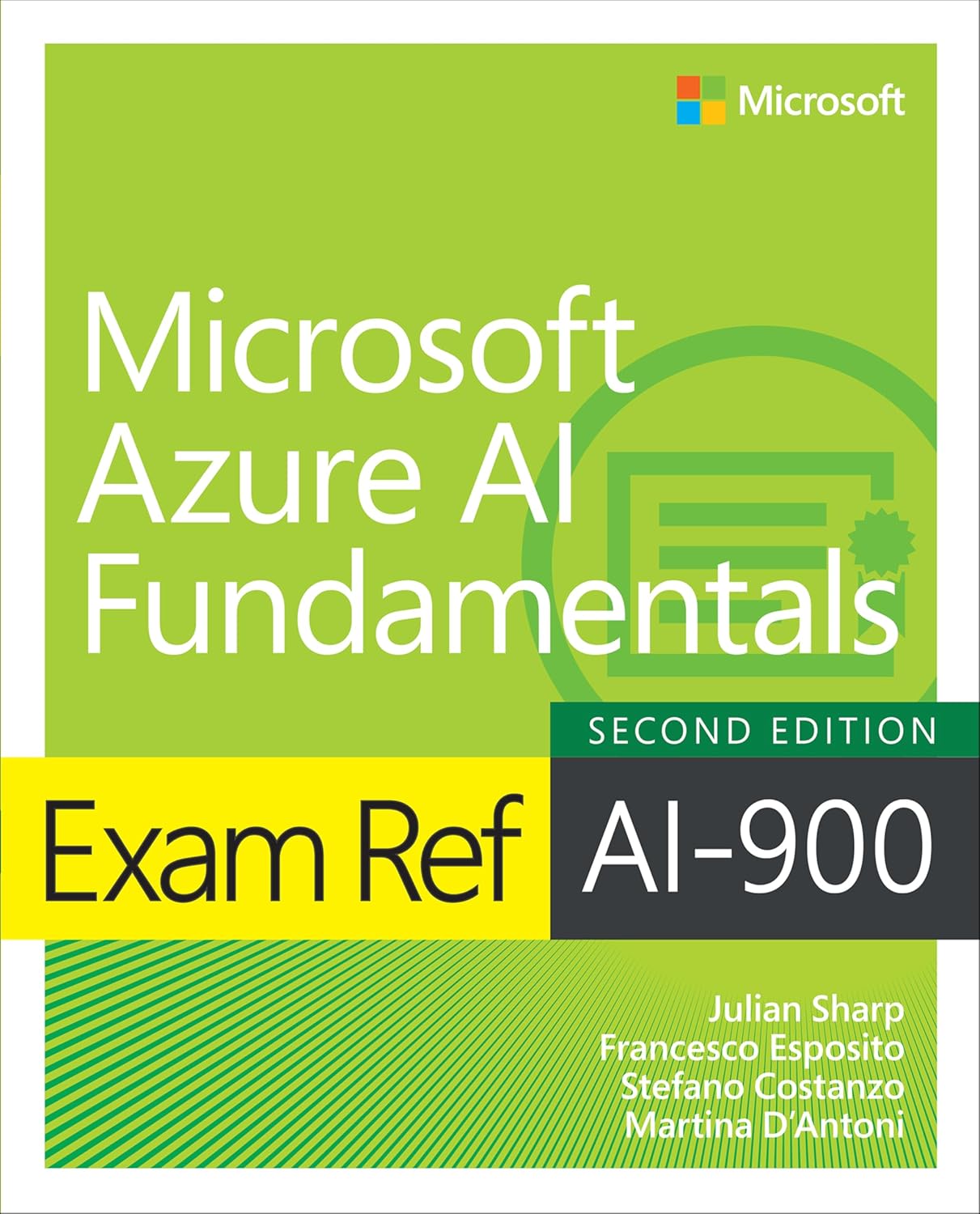
Exam Ref AI-900 Microsoft Azure AI Fundamentals
Microsoft's own Exam Ref, written for AI-900 and organized around the skills measured. The closest thing to an official companion for the concepts and Azure AI services, though it predates the AI-901 focus on building in Microsoft Foundry.
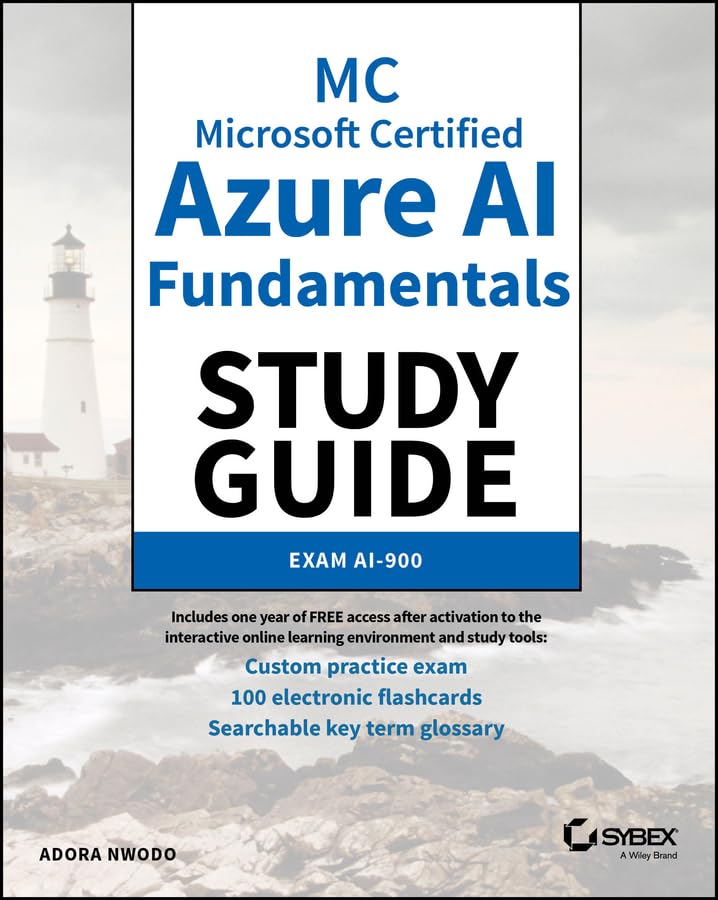
Microsoft Certified Azure AI Fundamentals Study Guide: Exam AI-900
The Sybex study guide, which explains the AI and machine learning concepts more slowly than the Exam Ref and adds practice questions and flashcards. A good fit if AI itself is new to you, not just Azure.
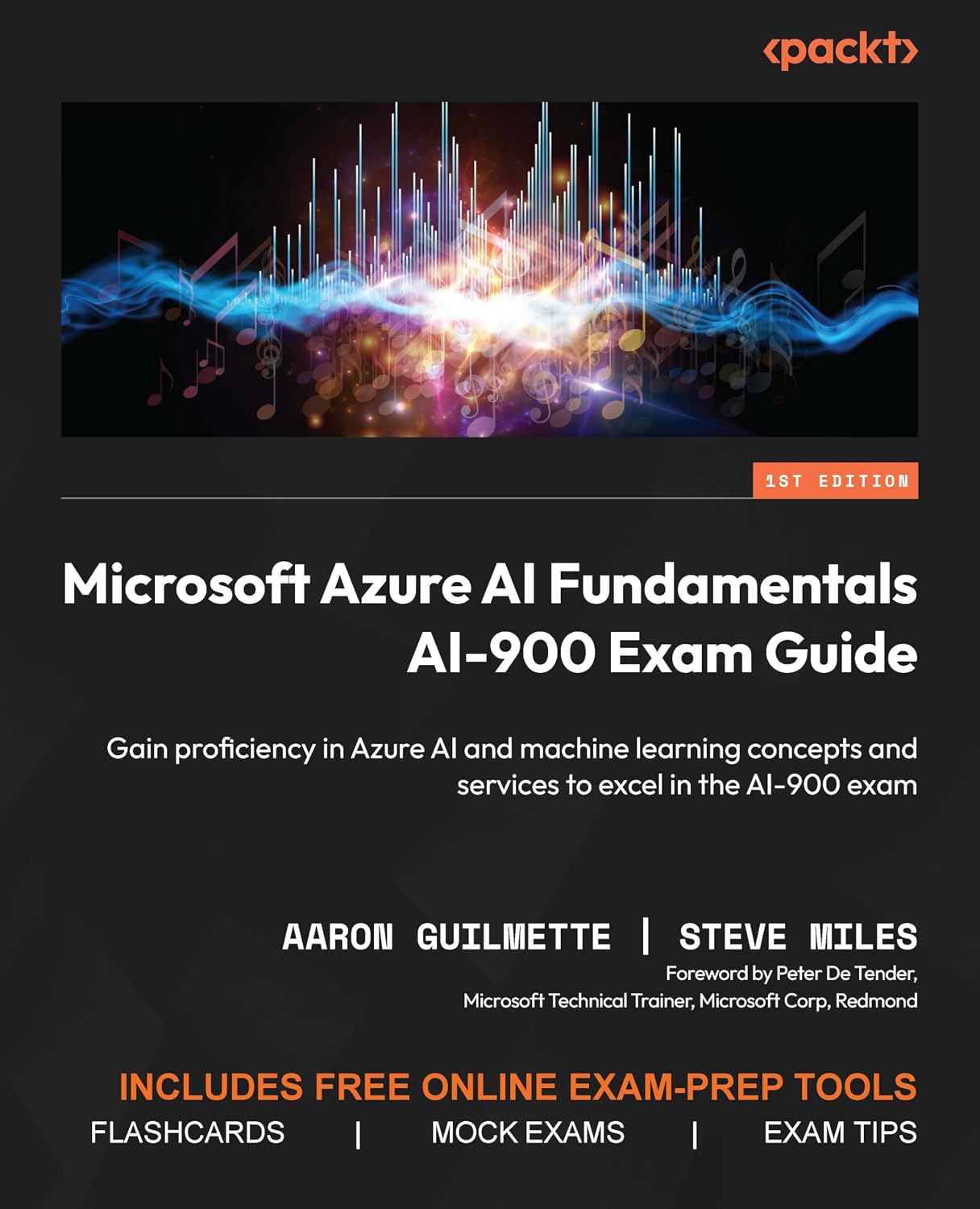
The Packt guide, with chapter self-assessments and mock exams throughout. Strong on computer vision, natural language processing and the Azure AI services, and lighter on the newer generative and Foundry material.
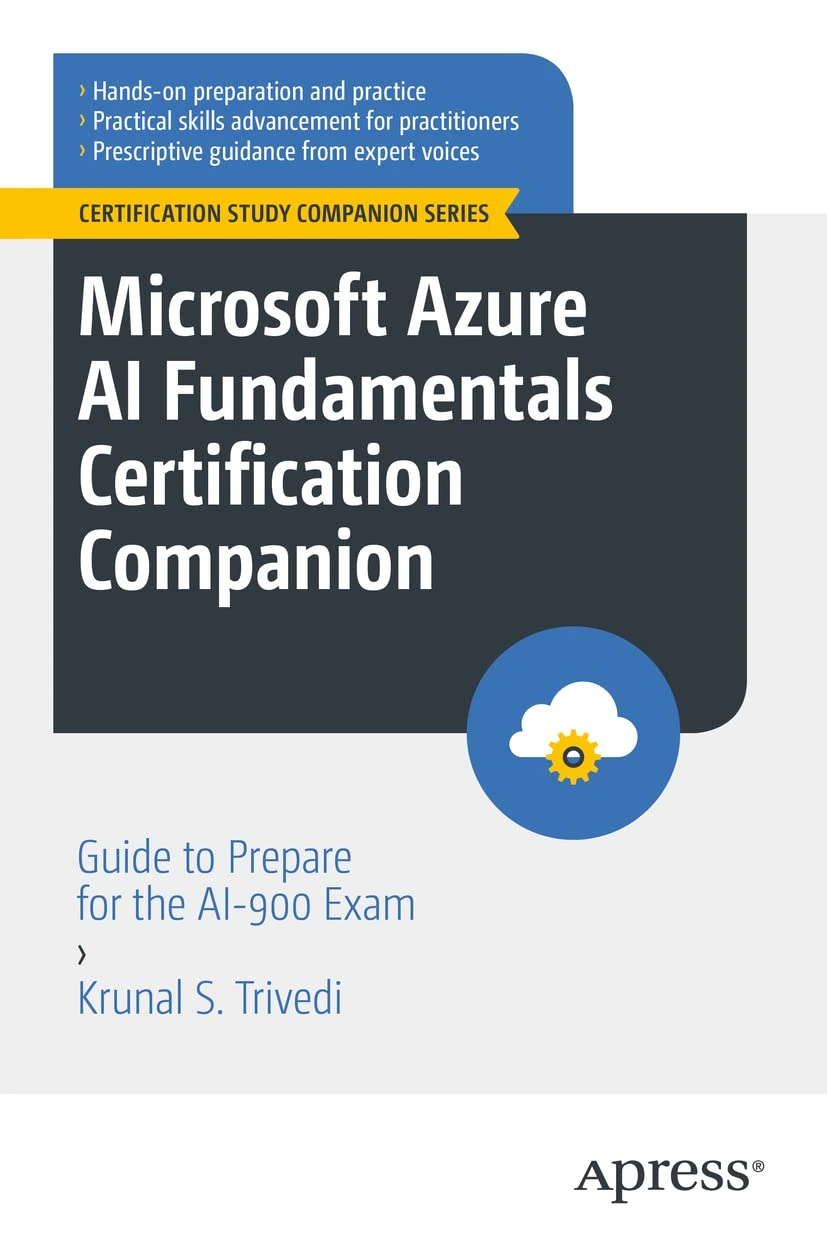
Microsoft Azure AI Fundamentals Certification Companion
The Apress companion, which walks through responsible AI, Azure Machine Learning and the Azure AI services with case studies. The oldest of the four, so treat it as concept revision rather than current Foundry coverage.
On-demand training lets you learn at your own pace, on your own schedule: expert-led video courses from Pluralsight or Udemy, or hands-on modules from Microsoft Learn, whenever you need them.
Not all platforms are the same. Pluralsight relies on vetted authors and curated content, while marketplaces vary in quality. I only recommend courses that are highly rated and closely aligned with the skills you need, and I still encourage reading the course details and reviews before enrolling.
Recommended
AI-901: Microsoft Azure AI Fundamentals
Free trial
The Pluralsight certification path built for AI-901. It publishes two courses today, one per exam domain: Identify AI Concepts and Capabilities, and Implement AI Solutions by Using Microsoft Foundry. A third course on exam strategy is still in production, so the path is still growing because the exam is new; the free trial lets you start today.
AI-900/AI-901 Azure AI Fundamentals Exam Preparation
Scott Duffy's long-running Azure AI Fundamentals course, already updated to cover both AI-900 and AI-901. A demo-heavy route through the concepts and Azure AI services if you learn better by watching someone click through the portal.
These are practice exams, not dumps. Dumps ruin the value of a certification for everyone. Practice tests are a great way to check you are ready once you have studied everything in this guide.
Microsoft also publishes a free practice assessment for AI-901, now on the AI Skills Navigator, and it is the closest match to the real question style. You will find it under Additional Tips.
AI-900 Azure AI Fundamentals 100% Original Practice Exam
Scott Duffy's original practice exams, five timed tests written to match the real exam's style and updated regularly. Written for AI-900, so use them to test the concepts and Azure AI services; they will not cover the AI-901 hands-on Foundry tasks.
Microsoft Learn is a great free way to learn the AI-901 content. It is mostly text-based articles and hands-on exercises, with small quizzes at the end of every module.
The course syllabus below is Microsoft's own list of the learning paths and modules that cover the exam. When you want one topic rather than the whole curriculum, every skill in my study notes links the exact Microsoft Learn page for it.
Course AI-901T00-A: Introduction to AI in Azure
Free
Microsoft's official AI-901 course page. The syllabus lists every Microsoft Learn path and module the course teaches, and all of them are free to work through at your own pace.
This is the Microsoft Official Course, which you can schedule at a Microsoft learning partner. The classes are presented by Microsoft Certified Trainers. It is the best way to learn any topic, since you can ask a live instructor questions, and also the most expensive one.
Course AI-901T00-A: Introduction to AI in Azure
Instructor-led
The official one-day instructor-led course for AI-901, delivered by a Microsoft Certified Trainer at a learning partner. It covers the full exam content, from AI concepts and responsible AI to building solutions with Microsoft Foundry.
Some links on this page are affiliate links. If you use them, I may earn a commission at no extra cost to you.
Skills measured and study notes
29 skills, free to study here
Built for the skills measured Microsoft published on 15 April 2026.
0 of 29 studied
The AI-901 exam covers two main domains. I have broken down every single skill measured below with explanations, key facts, and links to help you study. AI-901 replaced AI-900 in 2026, and the biggest change is the second domain: more than half the exam is now hands-on implementation in Microsoft Foundry, so plan to spend real time in the portal and the SDK rather than only reading.
These study notes follow the AI-901 skills measured as of April 15, 2026.
Tip: The heavier domain is implementation at 55-60%, and it assumes a little Python. If you have never opened Microsoft Foundry or written a few lines against an SDK, start there, because those questions are hard to answer from reading alone.
Domain 1Identify AI Concepts and Capabilities40-45% of the exam0 / 14 studied
This domain is the conceptual half of the exam. It tests whether you can name the responsible AI principles, tell the AI workloads apart, and pick the right kind of model for a job. Almost none of it needs code; the questions are scenarios that describe a situation and ask which principle, which workload, or which model applies.
Describe principles of responsible AI
01
Describe considerations for fairness in an AI solution
Studied
Fairness means an AI system treats everyone equitably and does not advantage or disadvantage groups of people. It matters most where AI informs decisions about people, such as loan approvals, hiring, or medical triage.
What you need to know
Fairness is about avoiding bias, so the model does not favour or harm any group based on attributes like gender, ethnicity or age
Bias usually enters through the training data, so representative data and testing across groups are the main defences
Azure Machine Learning and the Responsible AI dashboard include fairness tools that compare a model's performance across groups
A model that is accurate overall can still be unfair to a subgroup, which is why you measure per group
Exam tip: If a scenario describes a model performing worse for one group of people than another, the principle is fairness.
02
Describe considerations for reliability and safety in an AI solution
Studied
Reliability and safety mean an AI system works consistently, as intended, and minimizes harm when conditions are unexpected. This is the principle behind rigorous testing before release, especially for systems that affect physical safety.
What you need to know
AI systems must perform reliably even with unexpected or edge-case input
Rigorous testing, monitoring, and clear operating limits are how you build reliability
Safety matters most in high-stakes scenarios such as autonomous vehicles or health diagnostics
Ongoing monitoring after deployment catches drift, where accuracy degrades as the real world changes
Exam tip: Reliability and safety is the principle for "works consistently and predictably", especially where a failure could hurt someone.
03
Describe considerations for privacy and security in an AI solution
Studied
Privacy and security mean an AI system respects the privacy of the people whose data it uses and is protected against misuse. AI depends on data, and much of that data is personal, so this principle governs how it is collected, stored, and accessed.
What you need to know
Personal data must be protected both while training the model and while the deployed system runs
People should have transparency and control over how their data is used
Security controls such as encryption, access control, and network isolation protect the data and the model itself
The principle covers new data the system generates about people, not only the data it was trained on
Describe considerations for inclusiveness in an AI solution
Studied
Inclusiveness means AI should empower everyone and engage people across abilities, languages, and backgrounds. It pushes design to work for people who are often left out, including people with disabilities.
What you need to know
AI should provide benefits regardless of physical ability, gender, ethnicity, or other factors
Accessibility is a core part of inclusiveness, so features like speech, captioning, and alternative input matter
Inclusive design considers a diverse range of people from the start rather than as an afterthought
Supporting multiple languages and cultural contexts is part of reaching everyone
Describe considerations for transparency in an AI solution
Studied
Transparency means people understand how an AI system works, what it can and cannot do, and its limitations. Someone who understands a system's behaviour can use it appropriately and trust it correctly.
What you need to know
People should be told when they are interacting with AI and what the system is for
The system's capabilities and, just as important, its limitations should be made clear
People should be able to understand the main factors behind a decision the AI influences
Transparency includes being open about the data and the purpose behind the system
Describe considerations for accountability in an AI solution
Studied
Accountability means people, not the AI, are responsible for how an AI system behaves. The organizations that build and operate AI must answer for it and put governance around it.
What you need to know
The people who design and deploy an AI system are accountable for how it operates
Accountability is met through governance frameworks, organizational principles, and clear ownership
It ensures AI meets ethical and legal standards, and that there is recourse when something goes wrong
Microsoft's own Responsible AI Standard is an example of an accountability framework
Exam tip: Accountability is about the humans and the governance around the system; if a question asks who is responsible for an AI's decisions, it is never the AI itself.
Identify AI model components and configurations
07
Describe how generative AI models work
Studied
Generative AI models create new content, such as text, code, or images, in response to a natural language prompt. The text models behind them are large language models trained on huge amounts of text to predict the next token in a sequence.
What you need to know
A token is the unit a model reads and generates, roughly a word or a piece of a word; prompts and responses are both measured in tokens
Most models use the transformer architecture, which uses attention to weigh how words relate to each other
The model does not look up answers; it predicts the most likely next token, which is why it can be fluent and still wrong
Small language models (SLMs) are lighter and cheaper to run than large language models, trading some capability for speed and cost
Multimodal models accept and produce more than one kind of content, such as text plus images
Exam tip: When a question mentions predicting the next token or the transformer architecture, it is describing how a generative language model works.
08
Identify an appropriate AI model, based on capabilities
Studied
Choosing a model means matching the job to a model's strengths: size, modality, cost, and whether it needs to reason or just respond. The Microsoft Foundry model catalog lists models from OpenAI, Microsoft, and the open-source community so you can compare them.
What you need to know
If you need
Choose
Broad general-purpose text and reasoning
A large language model, such as a GPT model
Low cost and fast responses on a narrow task
A small language model, such as Phi
Text plus images or audio in one model
A multimodal model
A new image from a description
An image-generation model, such as DALL-E
An open model you can customize and host
An open-source model from the catalog
The model catalog in Foundry is where you browse and compare models by capability, cost, and provider
Bigger is not always better: a small model can beat a large one on a narrow task at a fraction of the cost
Match the modality to what the app takes in and gives back, text, image, audio, or a mix
Consider cost and latency, not just quality, because you pay per token and users wait for responses
Identify appropriate model deployment options and configuration parameters
Studied
Once you pick a model you deploy it to an endpoint and tune how it responds. The main parameters control randomness and length, and they turn up constantly in the exam's implementation questions.
What you need to know
You deploy a model to get an endpoint and keys that your application calls
Temperature (and top_p) control randomness: low values give focused, repeatable answers; high values give more varied, creative ones
Max tokens caps the length of the response, and you pay per token for both input and output
A system message sets the model's role and rules and applies to every request
Deployment options range from standard, pay-per-token to provisioned throughput for steady, high volume
Exam tip: Low temperature for consistent, factual answers; high temperature for creative variety. That trade-off is a common question.
Identify AI workloads
10
Identify scenarios for common AI workloads, including generative and agentic AI, text analysis, speech, computer vision, and information extraction
Studied
Microsoft groups Azure AI into a set of workloads, and the first skill is simply telling them apart from a described scenario. Each workload solves a different kind of problem.
What you need to know
Generative AI creates new content, such as text, code, or images, from a prompt; agentic AI goes further, letting a model plan and take actions using tools
Text analysis, part of natural language processing, reads text to find meaning: sentiment, key phrases, entities, and language
Speech converts speech to text and text to speech, and translates spoken language
Computer vision interprets images and video, and image-generation models create new images
Information extraction pulls structured data out of documents, forms, images, audio, and video
Exam tip: Read the scenario for the input and the output. "Turn this recording into text" is speech; "find the total on this invoice" is information extraction.
11
Describe common text analysis techniques, including keyword extraction, entity detection, sentiment analysis, and summarization
Studied
Text analysis, part of natural language processing, turns unstructured text into structured insight. Azure Language in Foundry Tools provides these techniques as ready-to-call features.
What you need to know
Key phrase extraction pulls the main points out of a block of text
Entity detection, also called named entity recognition, finds and categorizes things like people, places, dates, and organizations
Sentiment analysis scores text as positive, negative, or neutral, with a confidence score
Summarization produces a short version of a longer document, either by extracting key sentences or generating new ones
Language detection identifies which language a piece of text is written in
Exam tip: Match the verb: "categorize the people and places" is entity detection; "is this review happy or angry" is sentiment analysis.
12
Identify features and capabilities of speech recognition and speech synthesis
Studied
Speech covers two opposite directions: turning spoken audio into text, and turning text into spoken audio. Azure Speech in Foundry Tools provides both, plus translation of speech.
What you need to know
Capability
What it does
Example use
Speech recognition (speech to text)
Transcribes spoken audio into written text
Captions, dictation, call transcripts
Speech synthesis (text to speech)
Generates spoken audio from written text
Voice assistants, screen readers, phone menus
Speech to text can transcribe in real time or from recorded audio files
Text to speech offers a range of natural, configurable neural voices
Azure Speech also does speech translation, recognizing one language and producing another
A multimodal model can now handle speech directly, which is the newer path the exam expects you to know
Exam tip: Speech to text is recognition (audio in, text out); text to speech is synthesis (text in, audio out). Do not mix the directions.
13
Identify features and capabilities of computer vision and image-generation models
Studied
Computer vision interprets the content of images and video; image-generation models do the reverse, creating images from a text prompt. Both are part of the vision workload.
What you need to know
Image classification assigns a label to a whole image; object detection finds and locates multiple objects with bounding boxes
Optical character recognition (OCR) reads printed and handwritten text from images
Face detection locates faces and can support verification scenarios, under Microsoft's responsible AI limits
Image analysis generates captions, tags, and detected objects for an image
Image-generation models such as DALL-E create new images from a natural language description
Exam tip: Classification labels the whole image; object detection also tells you where each object is.
14
Identify techniques to extract information from text, images, audio, and videos
Studied
Information extraction pulls structured data out of unstructured content, whatever the format. It is how you turn a pile of invoices, recordings, or scanned forms into fields you can use.
What you need to know
From documents and forms, extract fields, key-value pairs, and tables, such as an invoice's total or a form's answers
From images, extract text with OCR along with identified objects or content
From audio and video, extract a transcript first, then insights like topics, sentiment, and named people
Azure Content Understanding is the Foundry service that handles extraction across all these content types in one place
The output is structured data, fields or JSON, that an application or workflow can act on
Exam tip: Information extraction is about getting structured fields out; if the scenario ends with "into a spreadsheet" or "as fields", that is the workload.
Domain 2Implement AI Solutions by Using Microsoft Foundry55-60% of the exam0 / 15 studied
This is the larger, hands-on domain, and it assumes you can read and write a little Python. It tests whether you can actually build with Microsoft Foundry: deploy a model, prompt it, wire up a lightweight app or agent with the SDK, and use the Foundry tools for speech, vision, and information extraction. Expect questions built around short code snippets and portal steps rather than definitions.
Implement generative AI apps and agents by using Foundry
15
Create effective system and user prompts for generative AI models
Studied
A prompt is how you steer a generative model, and the exam expects you to know the difference between the system prompt and the user prompt. Good prompting is often the difference between a useful answer and a useless one.
What you need to know
The system prompt, or system message, sets the model's role, tone, and rules, and applies to the whole conversation
The user prompt is the specific request or question for a single turn
Clear instructions, context, and examples in the prompt improve the response; this is prompt engineering
One-shot and few-shot prompting give the model one or a few examples to follow
Grounding the prompt with your own data reduces made-up answers
Exam tip: The system message shapes every response; the user message is the individual turn. Questions test that you know which is which.
16
Deploy a model and interact with it in the Foundry portal
Studied
Before you can call a model you deploy it from the Foundry model catalog, then test it in the portal's playground. This is usually the first hands-on step in any Foundry project.
What you need to know
You choose a model in the model catalog and deploy it to get an endpoint and keys
The playground lets you test prompts and settings without writing any code
In the playground you can set the system message and adjust parameters like temperature
A Foundry project groups your deployments, data, and other resources together
The endpoint and key from the deployment are what your application code will use next
Exam tip: The model does not remember previous turns on its own; your app resends the history on each call.
18
Create and test a single-agent solution in the Foundry portal
Studied
An agent is a model given instructions, tools, and sometimes knowledge, so it can carry out a task rather than just answer. Foundry lets you build and test one in the portal.
What you need to know
An agent combines a model, a set of instructions, and tools it is allowed to use
You give the agent instructions, its purpose and rules, much like a system prompt
Tools let an agent do things such as run code, call an API, or search your data
Knowledge, or grounding data, lets the agent answer from your content, not just its training
You can test the agent in the portal before connecting a client application to it
Implement AI solutions for text and speech by using Foundry
20
Build a lightweight application that includes text analysis
Studied
Text analysis features from Azure Language in Foundry Tools plug into an app with the SDK, so you can score sentiment or pull entities out of user text.
What you need to know
Azure Language provides sentiment analysis, key phrase extraction, entity recognition, language detection, and summarization
You call the service through its endpoint and key, or through the Foundry SDK
Each feature returns structured results, often with a confidence score you can act on
Sending several documents in one call is more efficient than one call each
No model training is needed for these prebuilt features; you call them directly
Exam tip: These Language features are prebuilt, so reach for training only when a custom entity or classification is genuinely needed.
21
Respond to spoken prompts by using a deployed multimodal model
Studied
A multimodal model can take audio in and respond, so an app can answer a spoken question directly. This is the newer, model-based path for speech scenarios.
What you need to know
A multimodal model accepts more than text, including audio, in the same request
The app captures the user's audio and sends it to the deployed model
The model can respond with text, or with audio for a spoken reply
This path can replace chaining separate speech-to-text, language, and text-to-speech steps
You still deploy the model in Foundry and call it through an endpoint
Implement AI solutions for information extraction by using Foundry
26
Extract information from documents and forms by using Azure Content Understanding in Foundry Tools
Studied
Azure Content Understanding pulls structured fields out of documents and forms, so invoices, receipts, and contracts become data. It is the Foundry service the exam names for this.
What you need to know
Azure Content Understanding extracts fields, key-value pairs, and tables from documents
Prebuilt analyzers handle common document types such as invoices and receipts out of the box
Custom analyzers let you define the fields to pull from your own form layouts
The output is structured, fields and JSON, ready for an application or workflow
One service handles multiple content types, documents, images, audio, and video
Exam tip: The pattern is always send content, pick an analyzer, read structured fields back.
Quick reference: where to go for what
Task
Where to go
Browse and compare AI models
Microsoft Foundry > Model catalog
Deploy a model to an endpoint
Microsoft Foundry > your project > Deployments
Test a prompt without writing code
Microsoft Foundry > Playground
Set the model's role and rules
The system message
Control how random answers are
The temperature or top_p parameter
Cap the response length
The max tokens parameter
Build a chat or agent app
The Foundry SDK, in Python
Give an agent abilities
Tools, plus knowledge for grounding
Analyze sentiment, entities, or key phrases
Azure Language in Foundry Tools
Transcribe or synthesize speech
Azure Speech in Foundry Tools
Caption an image or read its text
Azure Vision in Foundry Tools
Pull fields from documents, images, audio, or video
Azure Content Understanding
Assess a model for fairness
Azure Machine Learning, Responsible AI dashboard
Take the official free practice test
AI Skills Navigator
Additional tips
The best thing you can do after reading this guide is to open a free Azure account and build something small in Microsoft Foundry: deploy a model, send it a prompt, and try one of the Azure AI services. The hands-on questions feel very different once you have done that.
A free account with a credit for the first 30 days and a set of services that stay free beyond that. Enough to deploy a model in Microsoft Foundry and try the AI services in this guide, as long as you shut resources down when you finish.
Microsoft AI Skills Navigator practice assessment for AI-901
Free
Microsoft's own free practice assessment for AI-901, now hosted on the AI Skills Navigator. Sign in with your Microsoft account, take it once early to find your gaps and again the week before to confirm you closed them.
Most people with some Azure or developer background can be ready in three to four weeks of steady study. If AI is new to you, or you are not comfortable reading a little Python, plan for five to six weeks and start with the Introduction to AI in Azure learning path. The second domain is hands-on, so budget time to actually build in Microsoft Foundry rather than only reading.
Do I need coding or hands-on experience to pass?
Yes, more than the old AI-900 asked for: Microsoft expects knowledge of Python syntax and familiarity with Azure resources, and more than half the exam is implementing solutions in Microsoft Foundry. You do not need to be a full-time developer, but you should spend real time in the Foundry portal and read a few SDK snippets before exam day. A free Azure account (opens in a new tab) is enough to practice everything in this guide.
What is the difference between the AI-901 and the retired AI-900?
AI-901 replaced AI-900, which retired on June 30, 2026, and both earn the same Azure AI Fundamentals certification. The concepts overlap, but AI-901 drops some of the older service-by-service material and adds a large hands-on domain built around Microsoft Foundry, the SDK, and a little Python. If you were studying for AI-900, switch to AI-901 and spend the new time in the Foundry portal.
How often does the AI-901 change?
Microsoft updates the skills measured periodically, and because AI-901 is new and sits on a fast-moving product, expect it to move more than a settled exam would. The study guide on Microsoft Learn (opens in a new tab) always shows the current version and the date it was last updated. Check it before you book, because AI and Foundry features change quickly.
Maintained by Vlad Catrinescu, reviewed September 2026 · All study guides
Subscribe to the Vlad Talks Tech Newsletter
Don't miss out on the latest Microsoft and certification news, conference and
certification discounts, tutorials featuring some of your favorite
Microsoft MVPs, and much more!
Not sure yet? Subscribe and find out why THOUSANDS around the globe subscribe.



 Recommended